
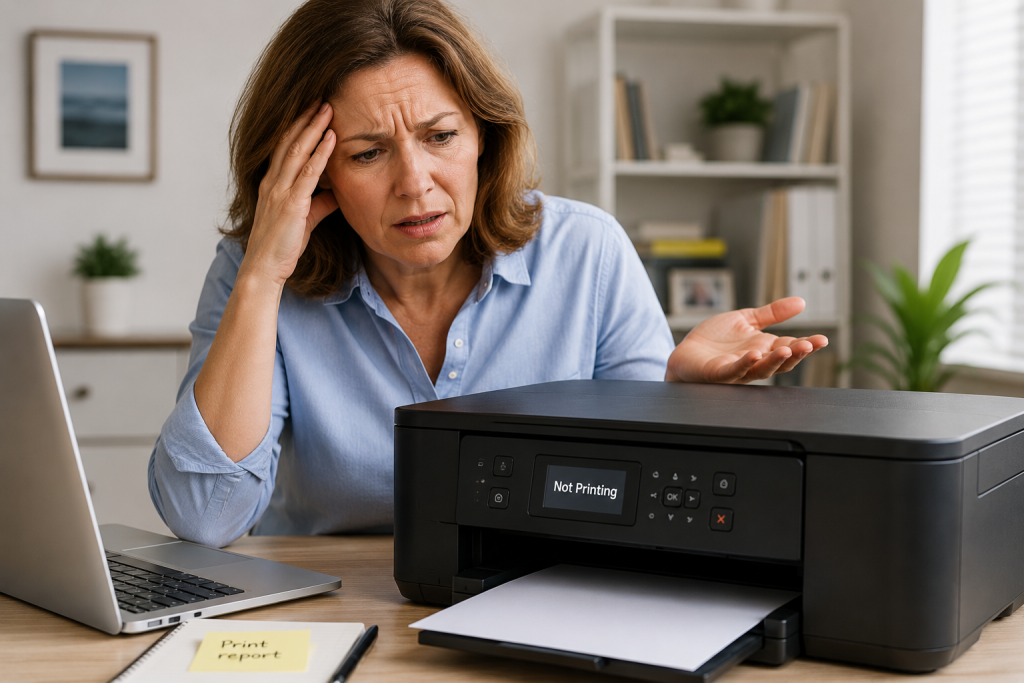
Is your printer refusing to print?
You are not alone.
Many people experience printer problems such as:
- nothing printing
- printer showing offline
- paper not feeding
- printer connected but not responding
The good news is:
👉 many printer problems are simple to fix.
This guide explains beginner-friendly steps with no jargon.
Common Printer Problems
You may notice:
- printer says “offline”
- documents stuck in queue
- printer making noises
- blank pages printing
- printer not detected
- Wi-Fi printer not connecting
Most of the time:
👉 the printer is not broken.
Step 1 – Check the Printer Is Turned On
This sounds obvious, but it is very common.
Check:
✔ power cable connected
✔ printer lights on
✔ no error lights flashing
Some printers may enter sleep mode.
Try pressing the power button once.
Step 2 – Check Paper and Ink
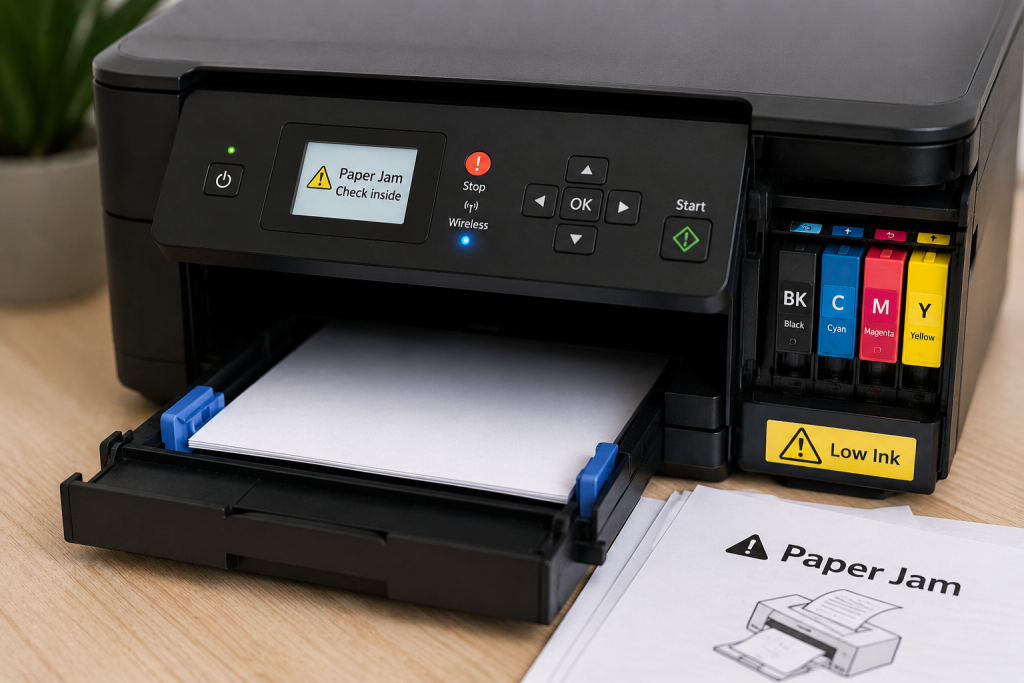
Printers may stop working if:
- paper tray empty
- paper jammed
- ink low
- toner empty
Check carefully for jammed paper inside the printer.
Step 3 – Restart the Printer
Restarting often fixes temporary problems.
Try:
- Turn printer off
- Wait 30 seconds
- Turn printer back on
Then try printing again.
Step 4 – Restart the Computer or Phone
Sometimes the problem is not the printer itself.
Restart:
👉 computer
or
👉 smartphone/tablet
Then reconnect and try again.
Step 5 – Check Wi-Fi Connection
Wireless printers rely on Wi-Fi.
Problems may happen if:
- Wi-Fi disconnected
- router restarted
- weak signal
- printer connected to wrong network
Make sure both:
- printer
- computer/phone
are using the same Wi-Fi network.
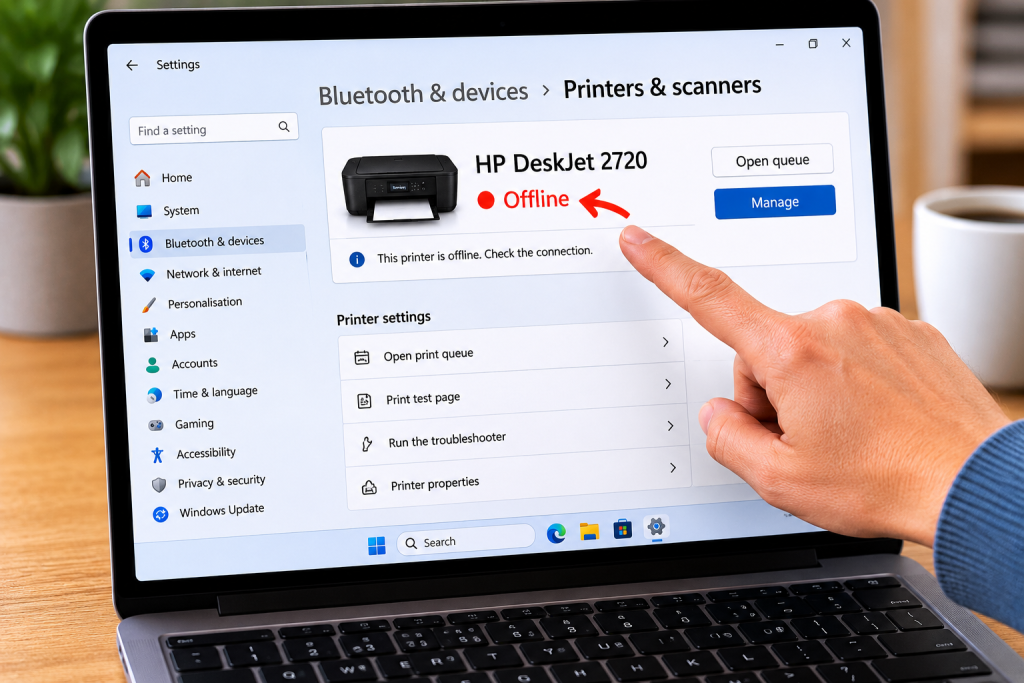
Step 6 – Check If Printer Shows “Offline”
On Windows:
Go to:
👉 Settings → Printers
If printer says:
Offline
try:
- restarting printer
- reconnecting Wi-Fi
- setting printer as default
Step 7 – Cancel Stuck Print Jobs
Sometimes print jobs become stuck.
You can:
- open printer queue
- cancel old jobs
- try again
This often solves the problem quickly.
Step 8 – Check Cables
If using a wired printer:
check:
✔ USB cable secure
✔ cable not loose
✔ cable not damaged
Common Questions
Why does my printer say offline?
Usually because:
- connection problem
- Wi-Fi issue
- temporary communication error
Why is printer printing blank pages?
Possible causes:
- low ink
- blocked print heads
- incorrect settings
Should I unplug the printer?
Sometimes yes.
A full restart can help reset temporary issues.
Do printers stop working if ink is low?
Many printers will refuse to print when ink becomes very low.

Simple Tips To Prevent Printer Problems
✔ keep printer updated
✔ use correct paper
✔ avoid turning printer off during printing
✔ restart occasionally
✔ keep Wi-Fi stable
✔ print something occasionally to stop ink drying out
Final Thoughts
Printer problems are frustrating but very common.
Most issues are caused by:
- connection problems
- stuck print jobs
- low ink
- temporary software issues
Take things one step at a time.
You do not need to panic.
You May Also Find Helpful
👉 Why Is My Wi-Fi Not Working?
👉 How to Take a Screenshot on Windows
👉 How to Copy and Paste on a Computer
- How to Pay for Parking With Your Phone: A Simple Beginner’s Guide
- How to Use a Car Park Payment Machine: A Simple Beginner’s Guide
- How to Use a Supermarket Self-Service Checkout: A Simple Beginner’s Guide
- What Is a Smart Speaker and How Does It Work? A Beginner’s Guide
- What Is a Smart Plug and How Does It Work? A Beginner’s Guide