
If your device won’t connect to WiFi, it can feel frustrating.
You may see:
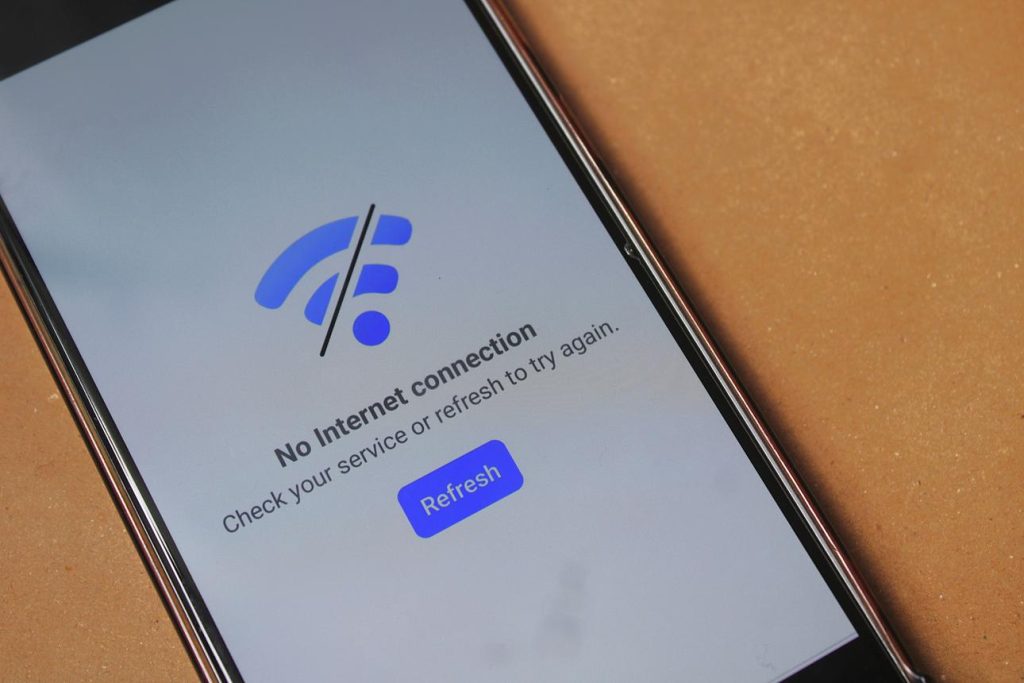
- “No internet”
- “Connected but no connection”
- WiFi not showing at all
The good news is:
👉 Most WiFi problems are easy to fix.
This guide will walk you through simple steps, one at a time.
Common Reasons WiFi Is Not Working
WiFi issues usually happen because of:
- Weak signal
- Wrong password
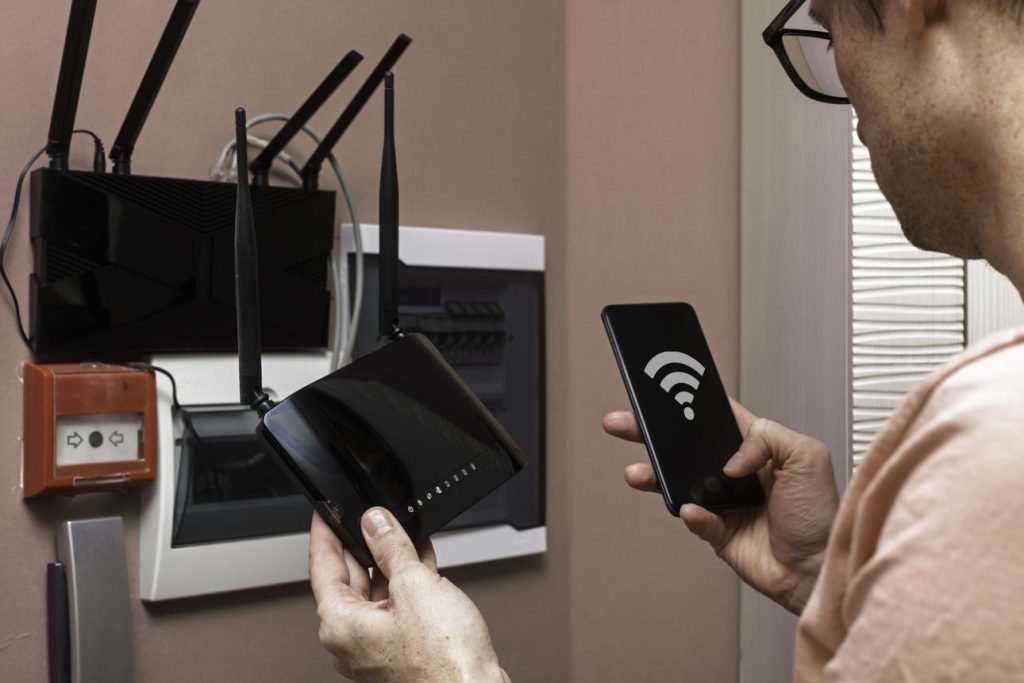
- Router problems
- Device settings
Don’t worry — we will check each one.
Step 1: Check Your WiFi Is Turned On
On your phone or computer:
- Open Settings
- Look for WiFi
- Make sure it is switched ON
Sometimes it gets turned off by mistake.
Step 2: Move Closer to the Router
WiFi signal gets weaker with distance.
Try:
- Moving closer to your router
- Avoiding walls or thick doors
Then try connecting again.
Step 3: Check the WiFi Password
If the password is wrong:
👉 It will not connect
Make sure:
- You type it carefully
- Check capital letters
- No extra spaces
If unsure, ask someone or check your router.
Step 4: Restart Your Device
This fixes many small problems.
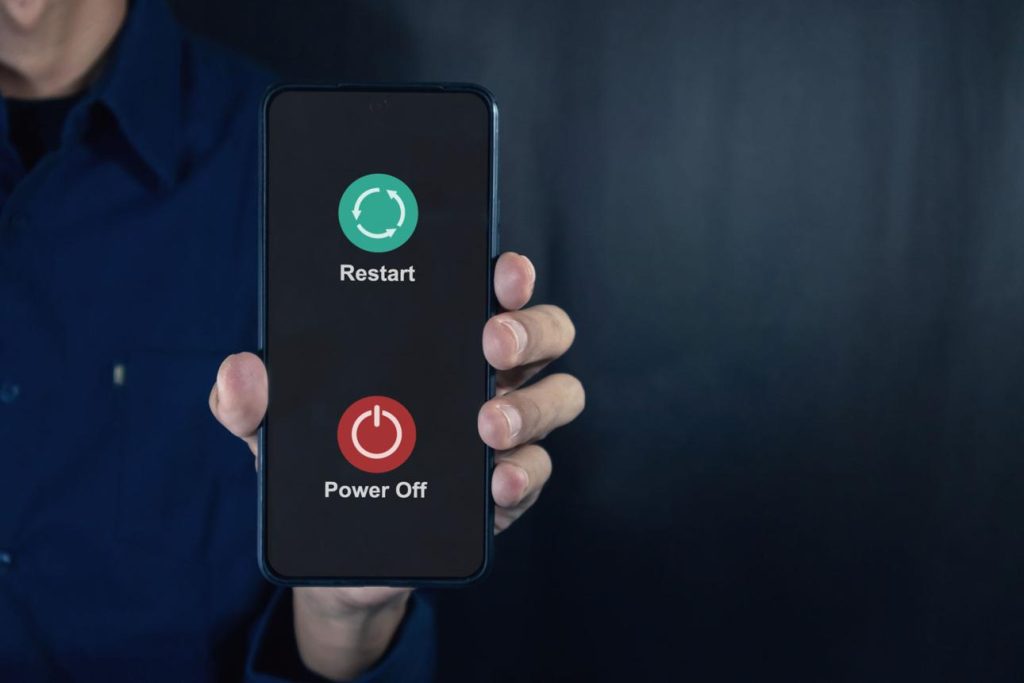
- Turn your phone or computer OFF
- Wait 10–20 seconds
- Turn it back ON
Then try again.
Step 5: Restart Your Router
If other devices also don’t connect:
- Turn your router OFF
- Wait 30 seconds
- Turn it back ON
Wait a few minutes and try again.
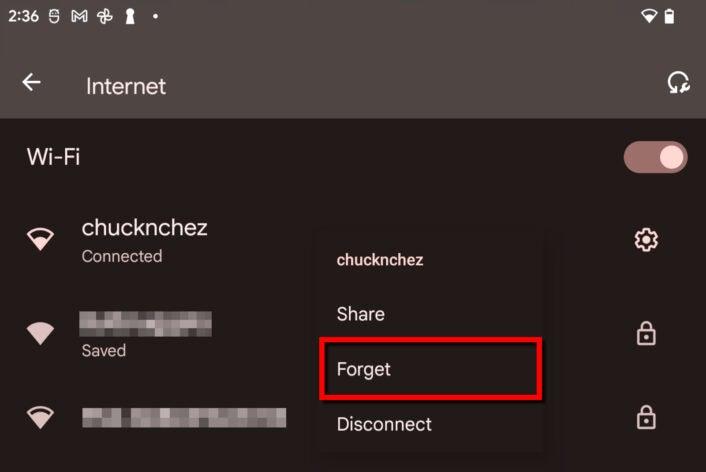
Step 6: Forget and Reconnect to WiFi
On your device:
- Go to WiFi settings
- Tap your network
- Choose “Forget”
- Connect again
This refreshes the connection.
What If WiFi Still Doesn’t Work?
Try:
- Checking if other devices work
- Asking your internet provider
- Checking for outages in your area
Sometimes the problem is not your device.
Common Questions
Why does it say “connected but no internet”?
This usually means your router is not connected to the internet.
Why can’t I see my WiFi network?
You may be too far away, or the router may be off.
Why does WiFi keep disconnecting?
This can be caused by weak signal or device settings.
Good to Know
- WiFi problems are very common
- Most issues are easy to fix
- Restarting often helps
- Take your time — no need to rush