
Does your phone battery seem to run out very quickly?
You are not alone.
Many people notice their phone battery suddenly draining faster than normal.
The good news?
It is often easy to improve battery life with a few simple changes.
This beginner guide explains what causes battery drain and how to fix it step by step.
Common Signs of Battery Drain
You may notice:
- battery dropping quickly
- phone needing frequent charging
- battery percentage falling fast
- phone becoming warm
- battery running out before the end of the day
This can happen on both Android phones and iPhones.
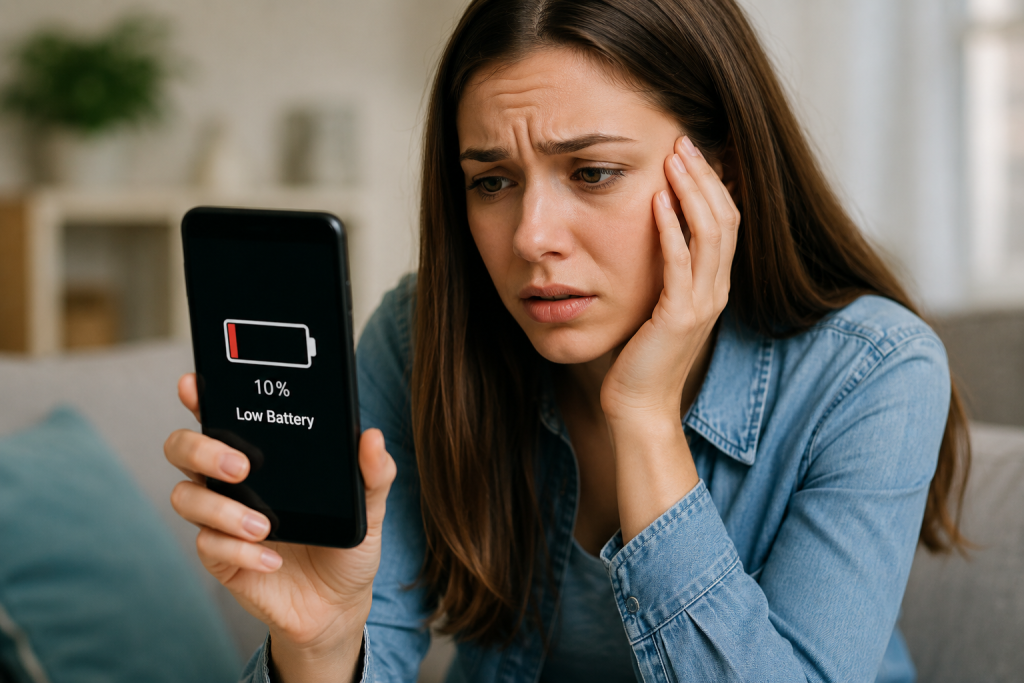
Why Does Phone Battery Drain Fast?
Common causes include:
✔ screen brightness too high
✔ too many apps running
✔ weak Wi-Fi or mobile signal
✔ old batteries
✔ background app activity
✔ phone updates
✔ video streaming
✔ Bluetooth or GPS left on
Usually your phone is not broken.
Step 1 – Lower Screen Brightness
The screen uses a lot of battery power.
Try:
👉 lowering brightness slightly
or
👉 turning on Auto Brightness
This alone can improve battery life.
Step 2 – Close Unused Apps
Some apps continue running in the background.
Examples:
- social media apps
- maps
- video apps
- games
Close apps you are not using.
Step 3 – Turn Off Bluetooth and GPS When Not Needed
Bluetooth and location services use power.
If not needed:
👉 switch them off temporarily
especially:
- GPS
- Bluetooth
- hotspot sharing
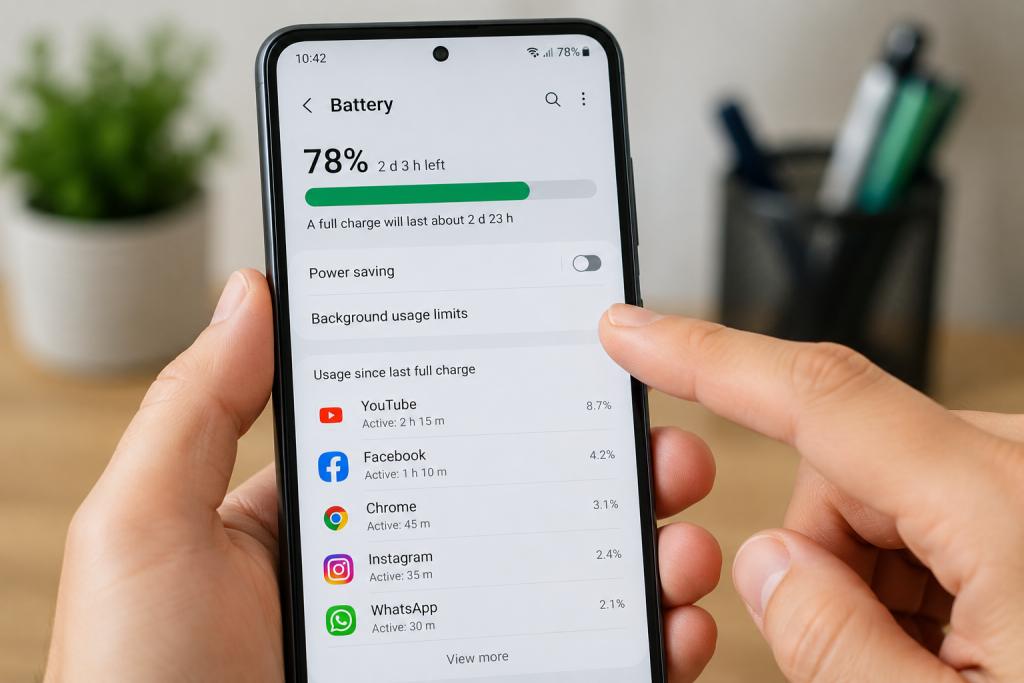
Step 4 – Check Battery Usage
Most phones show which apps use the most battery.
On many phones:
Go to:
👉 Settings → Battery
You may see:
- screen usage
- apps draining power
- battery health information
This helps identify problem apps.
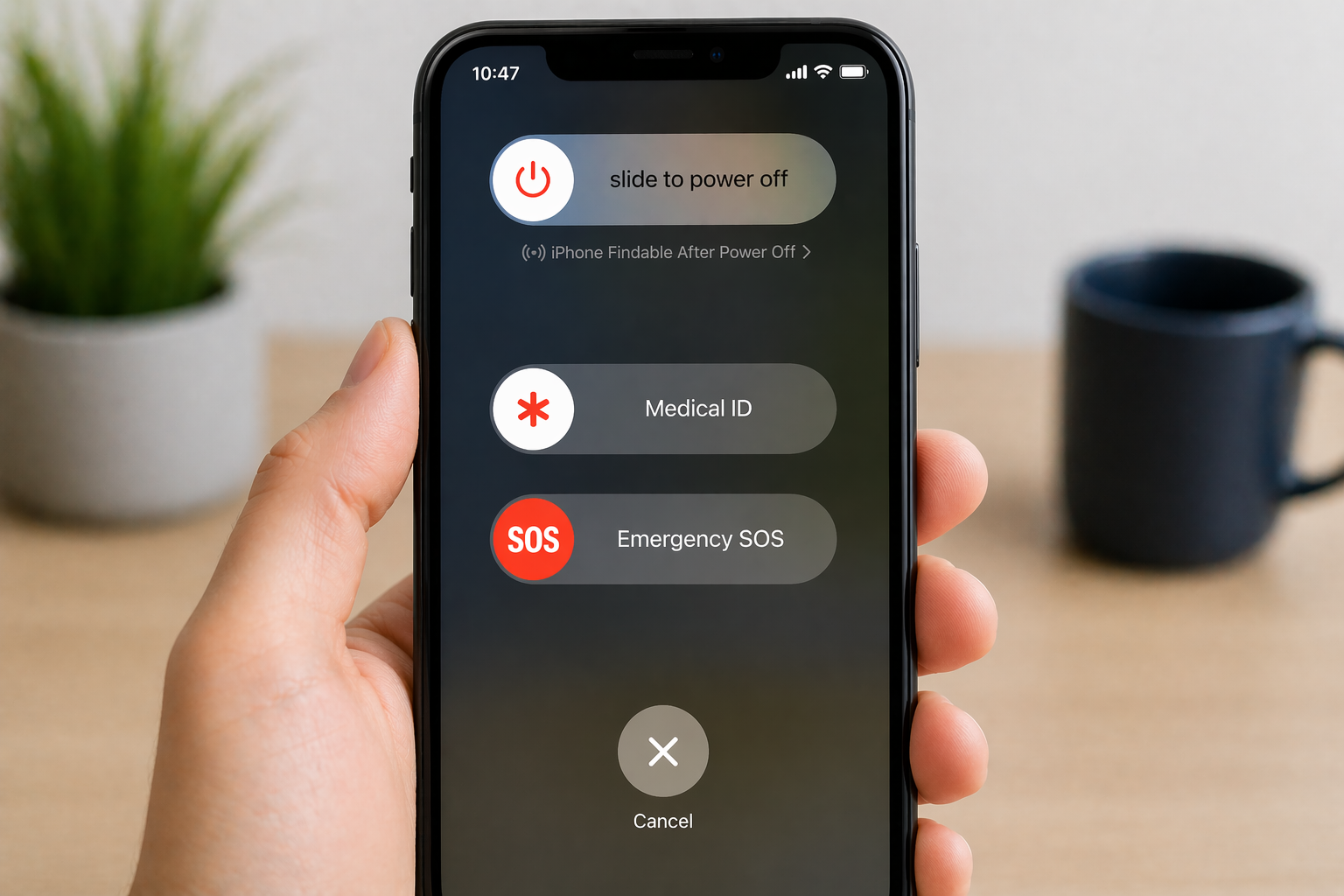
Step 5 – Restart Your Phone
Sometimes apps or updates temporarily cause battery problems.
Restarting the phone may help clear temporary issues.
A simple restart often improves performance.
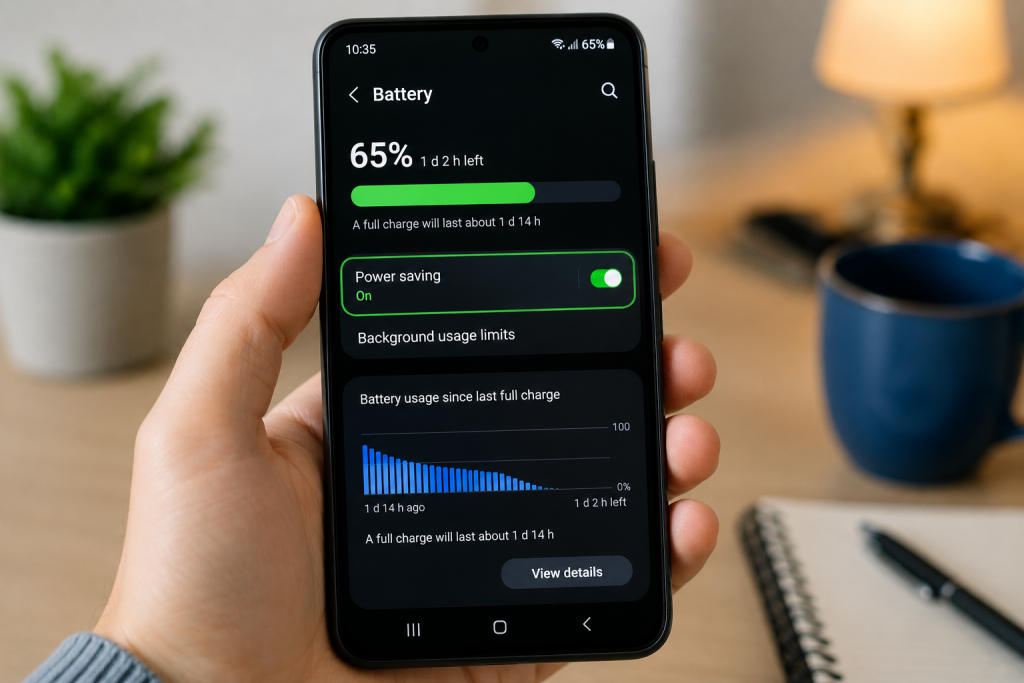
Step 6 – Turn On Battery Saver Mode
Most smartphones include:
👉 Battery Saver Mode
or
👉 Low Power Mode
This helps reduce background activity and extend battery life.
Step 7 – Update Your Phone
Updates sometimes fix battery problems.
Check for:
- phone software updates
- app updates
Older software may cause poor battery performance.
Step 8 – Check Phone Signal
Weak signal can drain batteries quickly.
Your phone uses extra power trying to stay connected.
This often happens:
- in poor signal areas
- underground
- on trains
- inside some buildings
When Batteries Become Old
Phone batteries naturally weaken over time.
Older phones may:
- lose charge faster
- need charging more often
- switch off unexpectedly
This is normal after several years.
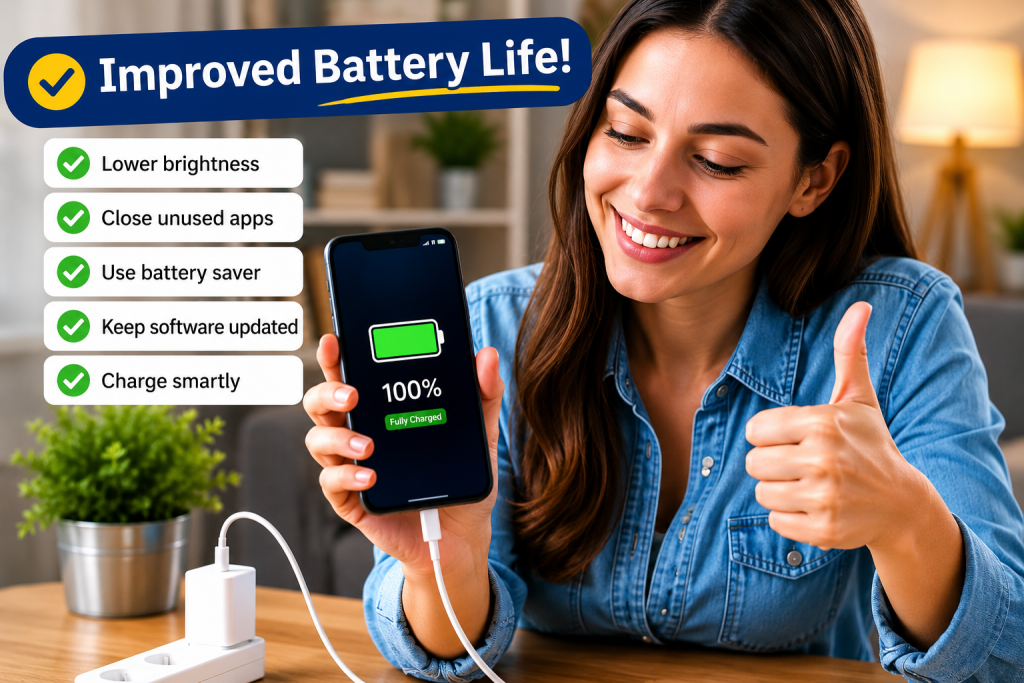
Simple Tips To Improve Battery Life
✔ reduce screen brightness
✔ close unused apps
✔ restart occasionally
✔ use Battery Saver
✔ update apps
✔ avoid overheating
✔ reduce unnecessary notifications
Common Questions
Is my battery damaged?
Usually not.
Most battery drain problems are temporary or settings related.
Should I charge my phone overnight?
Modern smartphones normally manage charging safely.
Does fast charging damage batteries?
Modern phones are designed for fast charging, although batteries naturally age over time.
Why does my phone get warm?
Heavy app use, streaming, gaming or charging can make phones warm.
Final Thoughts
Fast battery drain is one of the most common smartphone problems.
Thankfully:
👉 simple settings changes often make a big difference.
You do not need to be a technology expert.
Small changes can help your battery last much longer.
You May Also Find Helpful
👉 Why Is My Phone Storage Full?
👉 Why Won’t Bluetooth Connect?
👉 How to Clear Cache on a Phone
- How to Pay for Parking With Your Phone: A Simple Beginner’s Guide
- How to Use a Car Park Payment Machine: A Simple Beginner’s Guide
- How to Use a Supermarket Self-Service Checkout: A Simple Beginner’s Guide
- What Is a Smart Speaker and How Does It Work? A Beginner’s Guide
- What Is a Smart Plug and How Does It Work? A Beginner’s Guide