
Tablets often become slower over time.
This does not always mean the tablet is broken.
Common causes include:
- too many apps installed
- low storage space
- old software
- background activity
- aging hardware
Most slow tablets can be improved.
Common Signs of a Slow Tablet
You may notice:
✔ apps take a long time to open
✔ websites load slowly
✔ screen freezes occasionally
✔ typing feels delayed
✔ videos stutter
✔ tablet feels sluggish
These are very common problems.

Step 1 – Restart Your Tablet
Many people rarely restart their tablet.
Restarting can:
- clear temporary files
- close stuck apps
- refresh memory
To restart:
- Hold the power button
- Select Restart
- Wait for the tablet to reboot
This simple step often improves performance.
Step 2 – Close Unused Apps
Apps running in the background use memory and processing power.
Close apps you are not currently using.
Having dozens of apps open can slow down older tablets.
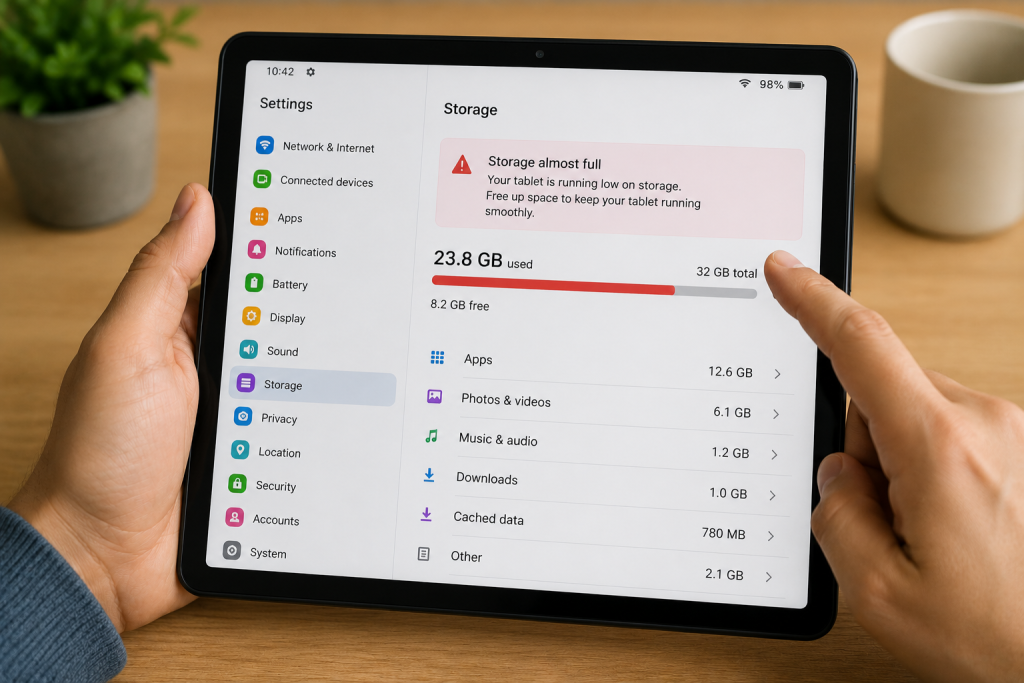
Step 3 – Check Storage Space
Low storage is one of the most common causes of a slow tablet.
Go to:
Settings → Storage
If storage is nearly full:
- delete unused apps
- remove unwanted photos
- clear downloads
Tablets perform better when they have free space available.
Step 4 – Update Your Tablet
Software updates often improve:
- speed
- security
- stability
Check for updates:
Android
Settings → System → Software Update
iPad
Settings → General → Software Update
Installing updates can improve performance.
Step 5 – Remove Unused Apps
Many tablets collect apps that are no longer needed.
Ask yourself:
Do I still use this app?
If not, remove it.
Fewer apps often means better performance.
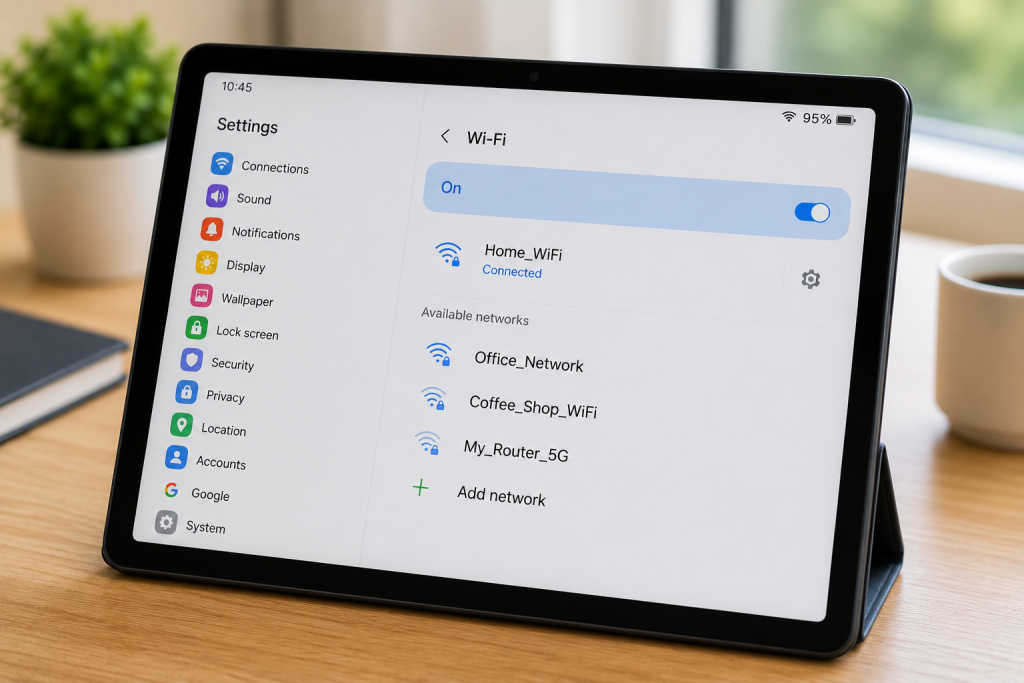
Step 6 – Check Your Internet Connection
Sometimes the tablet itself is not slow.
The problem may actually be:
- weak Wi-Fi
- poor broadband
- network issues
Try opening several different apps.
If everything is slow, the tablet may be the issue.
If only websites are slow, the internet connection may be responsible.
Step 7 – Clear App Cache (Android)
Android tablets store temporary files called cache.
Over time these files can build up.
For Android:
- Open Settings
- Apps
- Select an app
- Storage
- Clear Cache
This may help improve performance.
Step 8 – Consider the Age of the Tablet
Older tablets naturally become slower.
Technology changes quickly.
A tablet that is:
- 5 years old
- heavily used
- rarely updated
may struggle with modern apps.
This is normal.
Common Questions
Why is my tablet freezing?
Freezing is often caused by:
- low storage
- too many apps
- outdated software
Will restarting my tablet help?
Yes.
A restart can solve many temporary performance problems.
Should I leave my tablet on all the time?
Occasional restarts are beneficial and can help maintain performance.
Can too many photos slow a tablet down?
Yes.
Large numbers of photos and videos can fill storage and affect performance.

Tips To Keep Your Tablet Running Fast
✔ Restart regularly
✔ Keep software updated
✔ Remove unused apps
✔ Maintain free storage space
✔ Clear temporary files
✔ Avoid installing unnecessary apps
✔ Keep Wi-Fi working properly
Final Thoughts
A slow tablet is usually caused by storage, software or background apps.
In many cases, you can improve performance without buying a new device.
Start with:
- restarting
- updating
- freeing storage
These simple steps often make a noticeable difference.
You May Also Find Helpful
👉 Why Won’t Bluetooth Connect?
👉 Why Is My Phone Battery Draining Fast?
👉 How to Connect a Smartphone to Wi-Fi
- How to Pay for Parking With Your Phone: A Simple Beginner’s Guide
- How to Use a Car Park Payment Machine: A Simple Beginner’s Guide
- How to Use a Supermarket Self-Service Checkout: A Simple Beginner’s Guide
- What Is a Smart Speaker and How Does It Work? A Beginner’s Guide
- What Is a Smart Plug and How Does It Work? A Beginner’s Guide