
For the quick printable guide click here.
Answering and ending phone calls on a smartphone can feel confusing if you are used to older phones. The buttons and screens look different, but the basics are still simple once you know what to look for.
This guide explains how to answer and end calls on a smartphone step by step, using clear instructions.
What You Need Before You Start
- A smartphone that is turned on
- Someone calling your phone (or a test call)
You cannot damage your phone by answering or ending a call.
Step 1: Answering a Call
When someone calls you:
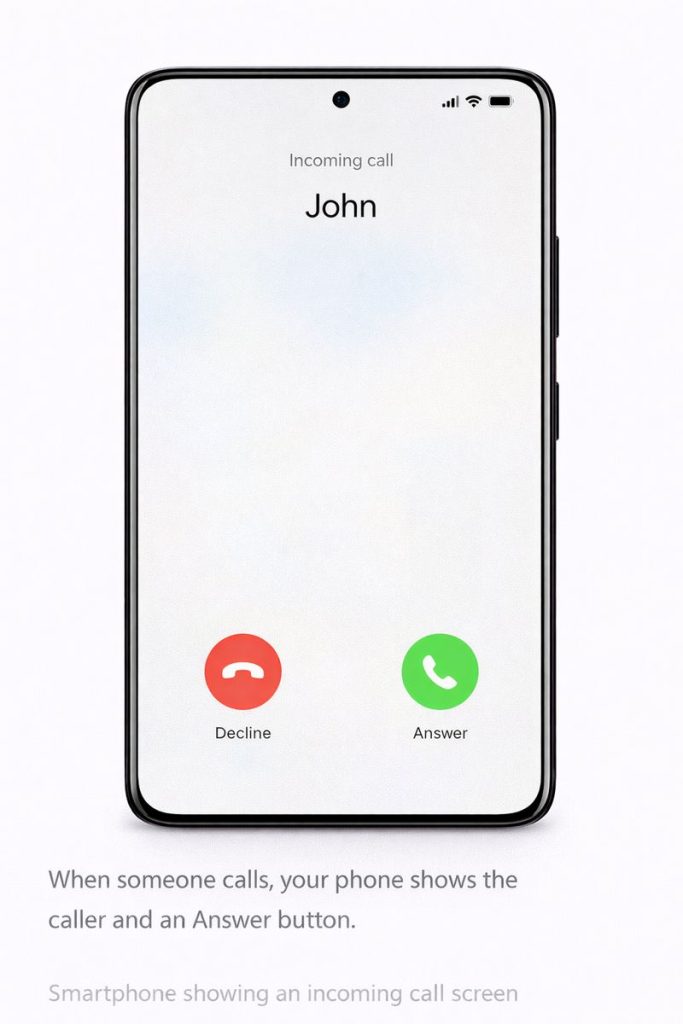
- Your phone will ring or vibrate
- The screen will light up
- You will see the caller’s name or number
To answer:
- Look for a green phone icon or an Answer button
- Swipe or tap as shown on the screen
Your phone may ask you to swipe rather than tap. Follow what you see.
Step 2: Speaking During the Call
Once the call is connected:
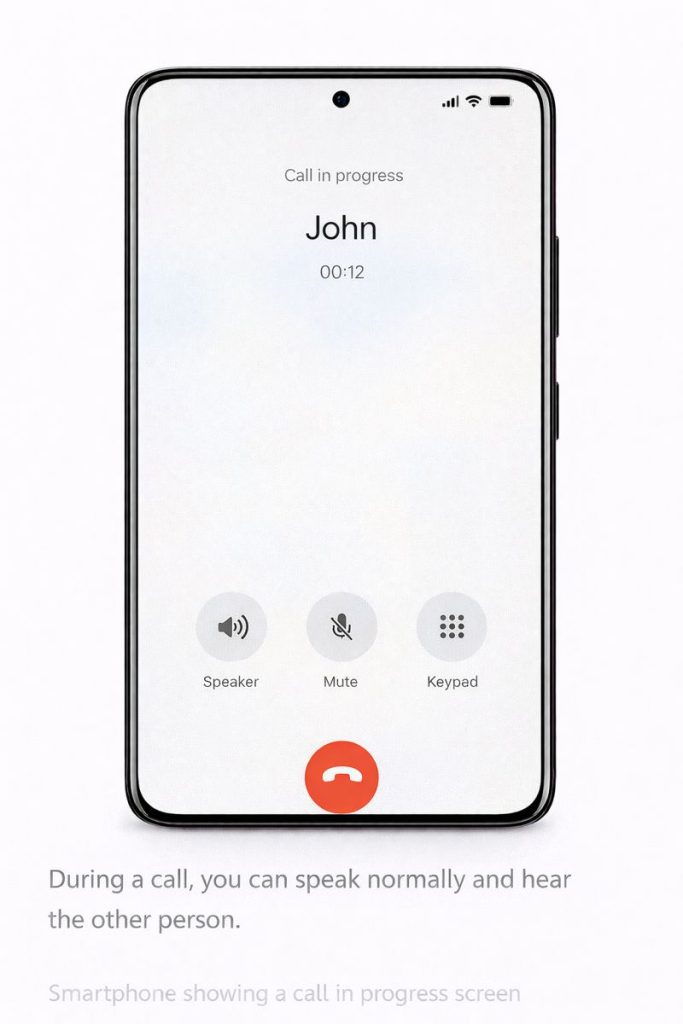
- Hold the phone near your ear
- Speak normally
- You can hear the other person through the speaker
If the screen goes dark, this is normal. It prevents accidental touches.
Step 3: Ending a Call
When the call is finished:
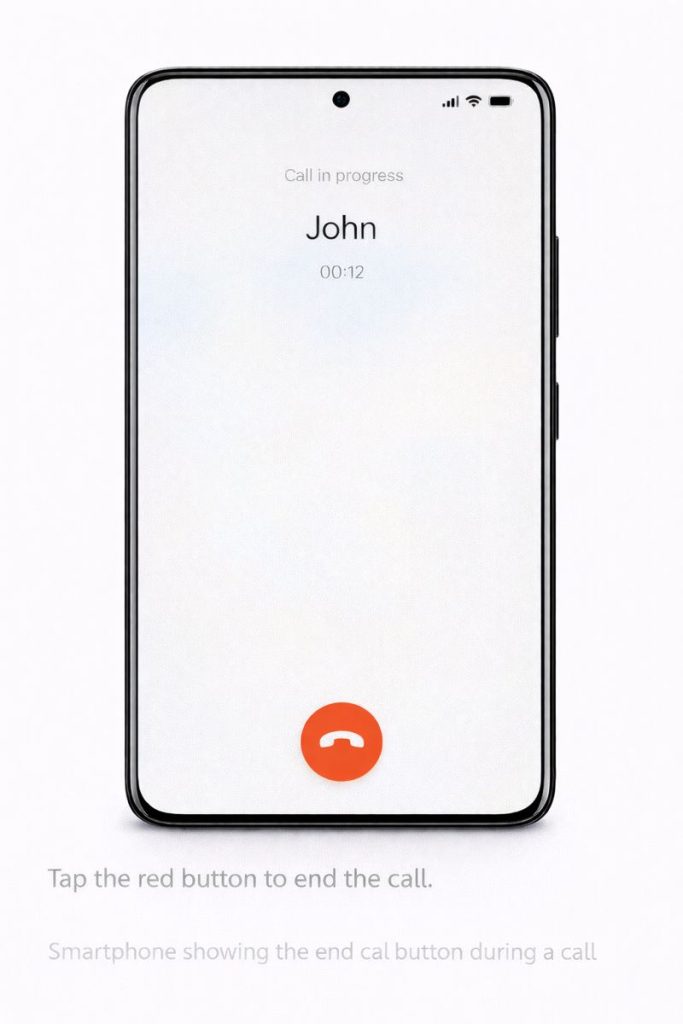
- Look for the red phone icon or End button
- Tap it once
The call will end immediately.
Step 4: What If You Miss a Call?
If you don’t answer in time:
- The call will stop ringing
- You may see a missed call notification
You can:
- Tap the notification to call back
- Or open the Phone app to return the call later
Step 5: Using Speakerphone (Optional)
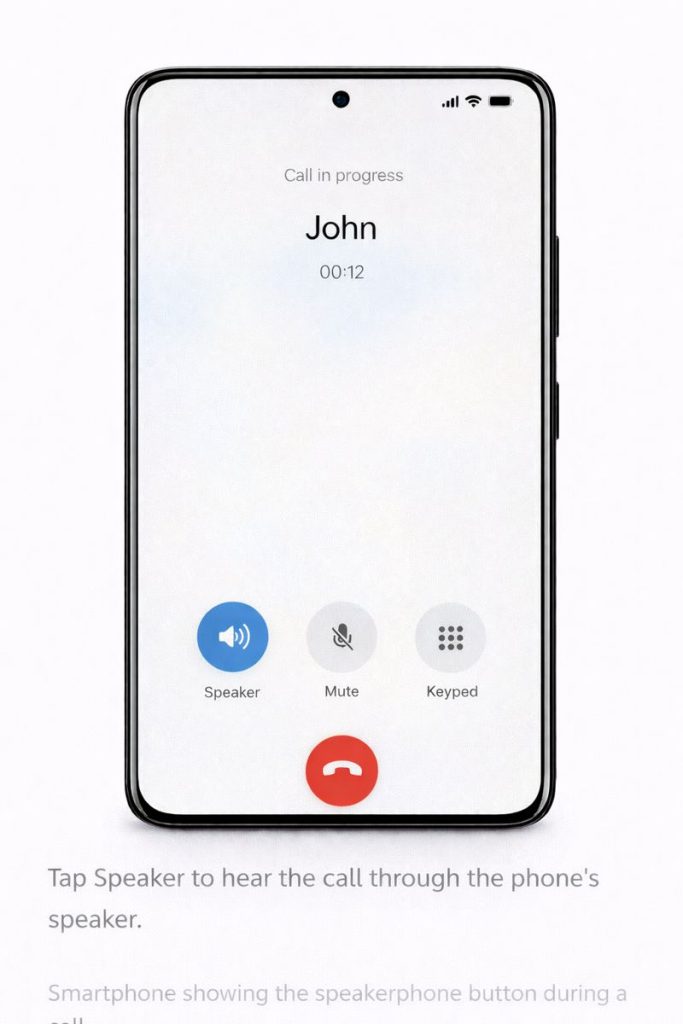
If you want to talk without holding the phone:
- During a call, look for the Speaker button
- Tap it once
- The sound will come from the phone’s speaker
You can turn it off by tapping Speaker again.
Common Questions
What if I press the wrong button?
You won’t break anything. If the call ends, you can always call back.
Why does the screen go black?
The phone senses your face and turns the screen off to prevent accidental taps.
Summary
You have now learned how to:
- Answer a call
- Talk during a call
- End a call
- Use speakerphone
- Return missed calls
These steps will soon feel natural with practice.
Where to Go Next
You may also find these guides helpful:
Or return to the Smartphone Basics page to choose another guide.