
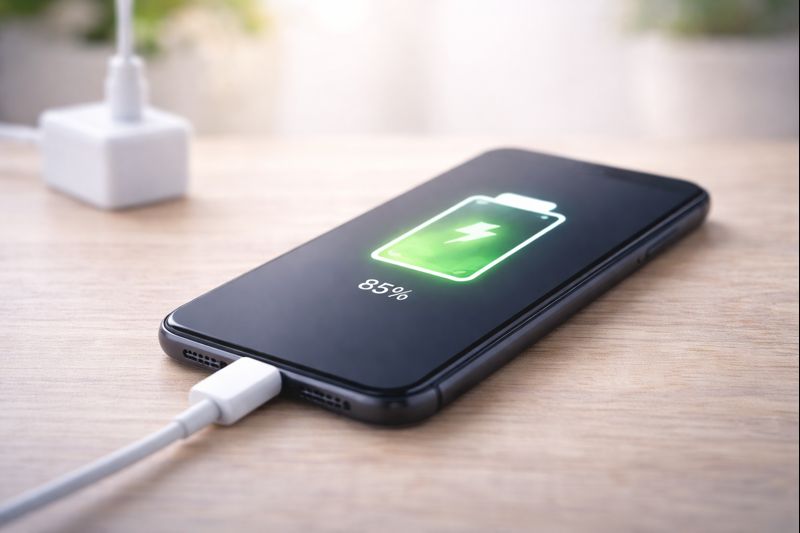
Charging a smartphone is simple, but many people worry about doing it incorrectly or damaging the phone or battery. The good news is that smartphones are designed to be charged safely and easily.
This guide shows you how to charge a smartphone properly and safely, step by step.
What You Need Before You Start
- A smartphone
- A charging cable
- A power source (plug socket, extension lead, or USB port)
Most smartphones use a charging cable that came with the phone.
Step 1: Find the Charging Port
- Look at the bottom or side of your smartphone
- Find the small opening where the cable fits
- This is the charging port
Take your time — the cable only fits one way.
Step 2: Plug in the Charging Cable
- Gently push the cable into the phone
- Do not force it
- Plug the other end into:
- A wall plug
- Or a powered USB socket
Once connected, the phone should respond.
Step 3: Check That the Phone Is Charging
When charging correctly, you should see:
- A battery symbol on the screen
- Or a lightning bolt inside the battery icon
- Sometimes a charging message on the screen
If you see this, your phone is charging.
Step 4: Leave the Phone to Charge
- You can use the phone while it charges
- Or leave it alone until it has enough power
There is no need to wait until the battery is empty before charging.
Step 5: Do You Need to Charge to 100%?
Explain:
- Modern phones don’t require 100%
- 80–90% is fine
- Overnight charging reassurance (no panic)
Step 6: Is It Safe to Use Your Phone While Charging?
Explain:
- Light use is fine
- Avoid gaming/heavy use
- Heat is the main issue
Step 7: When Should You Unplug the Charger?
Explain:
- Once charged, unplug when convenient
- No need to watch it constantly
- Don’t obsess — modern phones regulate power
Step 8: Simple Charging Tips to Protect Your Battery
Bullet list:
- Avoid cheap cables
- Keep phone cool
- Don’t let battery hit 0% often
- Use official or certified chargers
- You do not need to charge “perfectly”. Modern smartphones are designed to protect themselves.
Common mistakes beginners make on their smartphones