
How to Use AI to Write an Email (Step-by-Step for Beginners)
Writing emails can sometimes feel difficult — especially if you are not sure what to say.
The good news is that AI can help you write emails quickly and easily.
This guide will show you how to use AI step by step, in a simple way.
What Does AI Do When Writing Emails?
AI can help you:
- Write a full email for you
- Suggest what to say
- Fix spelling and grammar
- Make your message clearer
You still stay in control — AI is just helping.
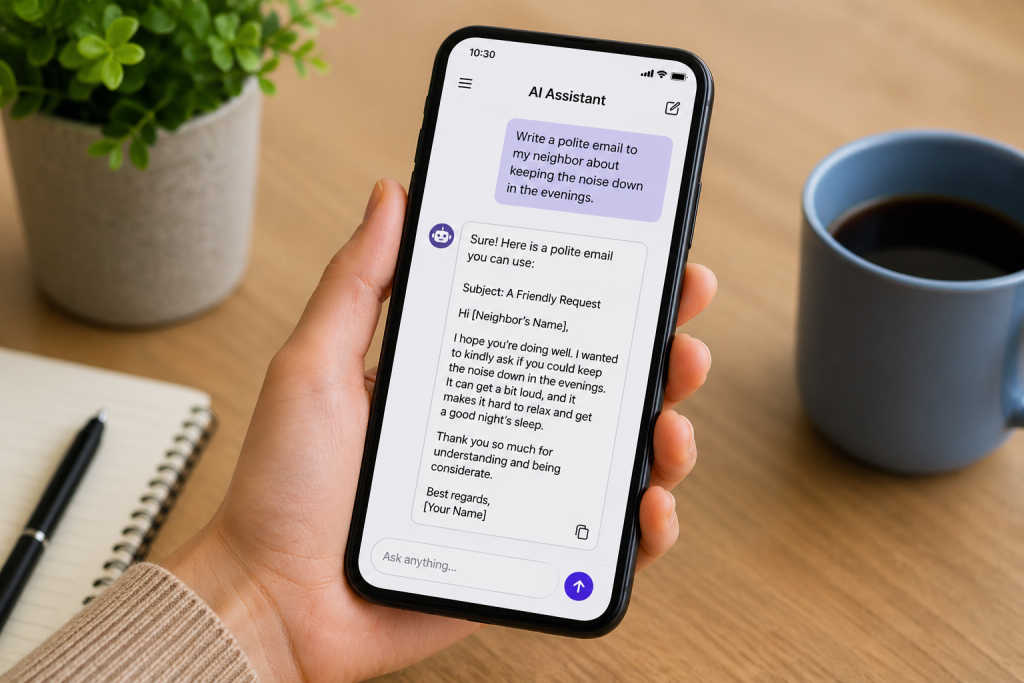
Step 1: Open an AI Tool
You can use:
- An AI chatbot
- Email apps with AI built in
- Writing tools that suggest text
You do not need to install anything complicated.
Step 2: Ask AI What You Need
Type a simple request, for example:
- “Write an email to my friend”
- “Write a polite email asking for help”
- “Write a short work email”
The clearer your request, the better the result.

Step 3: Read the AI Response
AI will create an email for you.
Check:
- Does it sound right?
- Is the message correct?
You can change anything you want.
Step 4: Copy and Paste the Email
Once you are happy:
- Copy the text
- Paste it into your email
- Send it
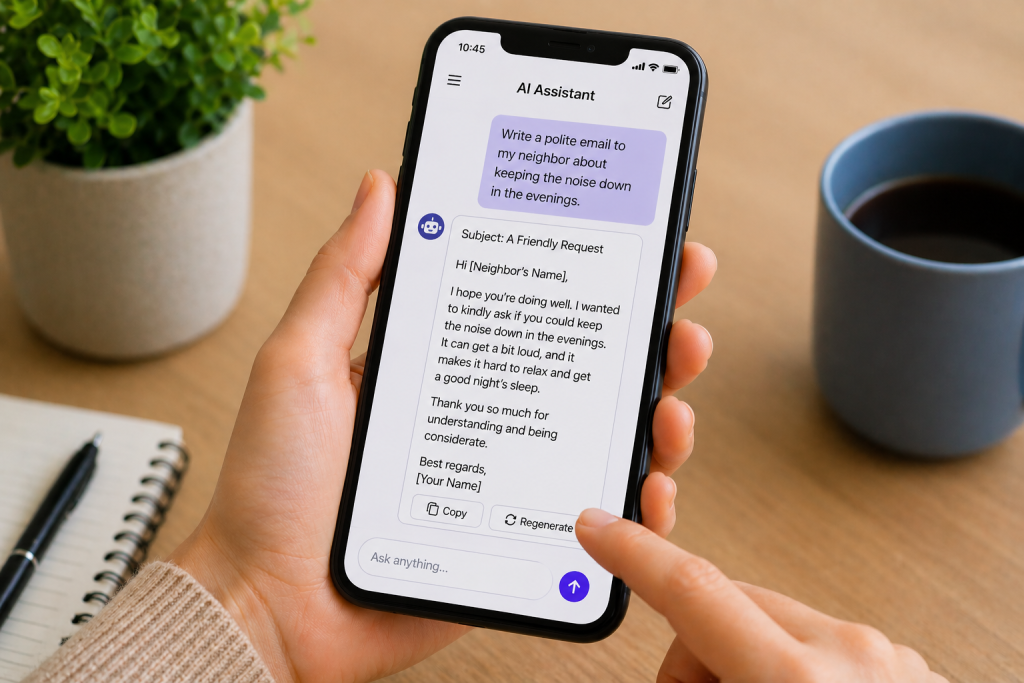
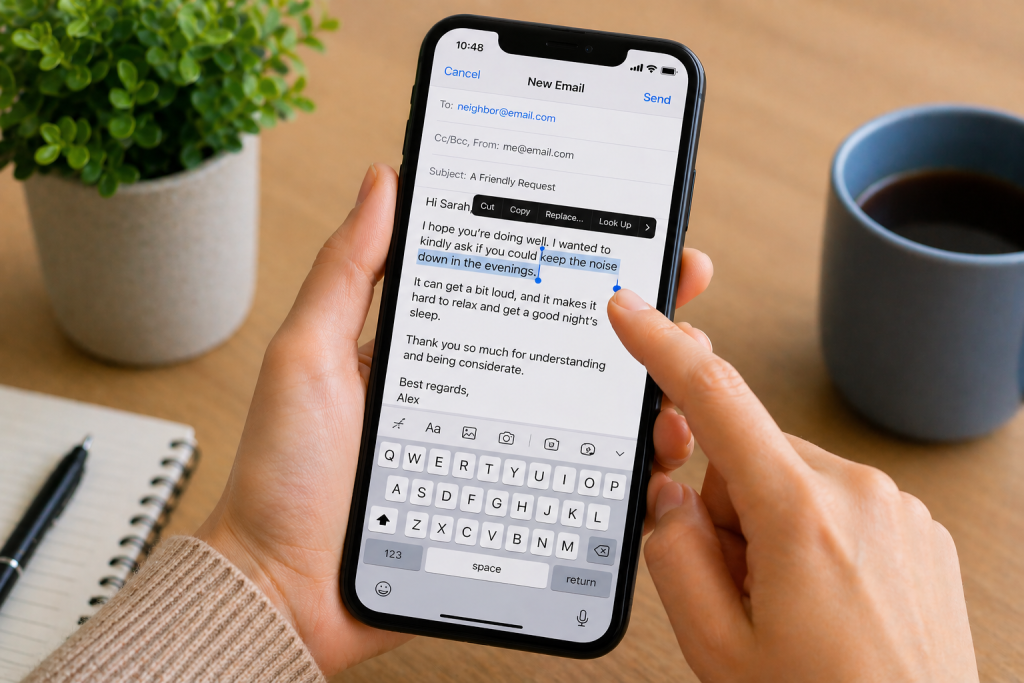
Step 5: Make Small Changes (Optional)
You can:
- Add your name
- Change a sentence
- Make it more personal
This helps make the email feel more natural.
Example You Can Try
You can copy this and try it:
“Write a simple email asking my friend if they are free this weekend.”
AI will give you a ready-to-use message.
Is It Safe to Use AI for Emails?
Yes — but remember:
- Do not share private information
- Always check what AI writes
- Make sure it sounds right before sending
Common Questions
Do I need to be good with technology?
No — AI tools are designed to be simple.
Can AI write any type of email?
Yes, including:
- Personal emails
- Work emails
- Short messages
Do I have to use AI every time?
No — it is just a tool to help when needed.
Good to Know
- AI can save time
- It can help you feel more confident
- You are always in control
- You can edit anything
Take your time — there is no pressure.