

When you install or use an app, it may ask for permission to access certain things on your device. This can feel worrying, especially if the message is unclear.
This guide explains what app permissions are, why apps ask for them, and how to decide what is safe, using plain language and no technical jargon.
What Are App Permissions?
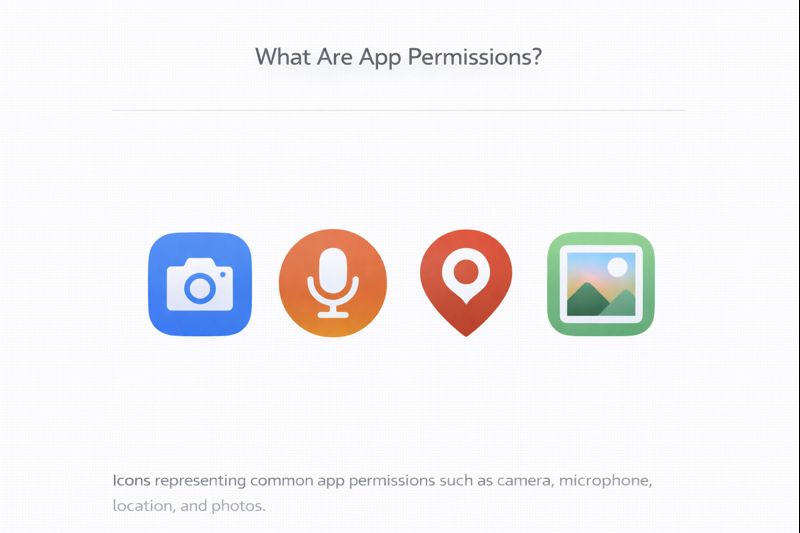
App permissions are requests from an app to access parts of your device.
For example, an app may ask to:
- Access your camera
- Use your microphone
- See your photos
- Know your location
- Send notifications
The app cannot access these things unless you allow it.
Why Apps Ask for Permissions
Apps ask for permissions so they can work properly.
Examples:
- A camera app needs access to the camera
- A maps app needs location access
- A video call app needs the microphone and camera
- A photo app needs access to photos
If the permission matches what the app does, it usually makes sense.
When a Permission Makes Sense
A permission is usually reasonable when:
- It matches the purpose of the app
- You understand why it’s being asked
- The app cannot work properly without it
For example:
- A messaging app asking for contacts
- A navigation app asking for location
This is normal.
When to Be Careful
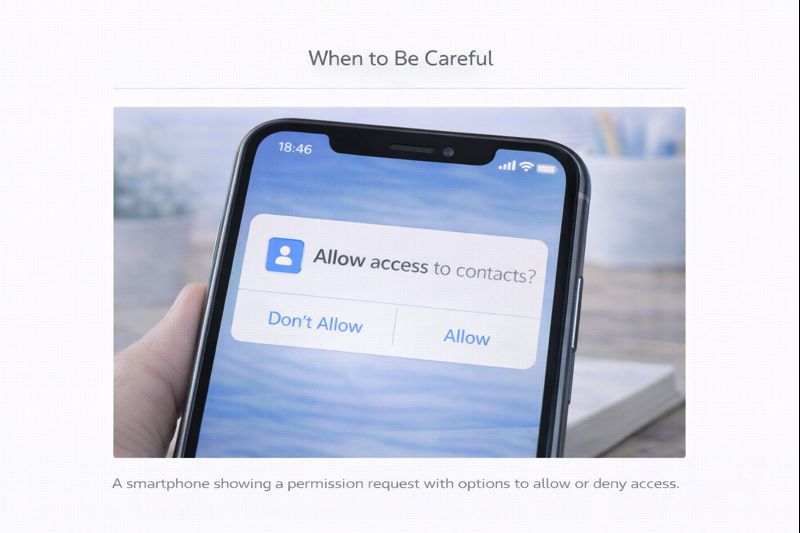
You should pause if:
- The permission doesn’t match the app’s purpose
- The app asks for access it doesn’t clearly need
- You feel unsure or uncomfortable
For example:
- A calculator app asking for your location
- A simple game asking for access to contacts
If unsure — do not allow it.
You Can Say No
This is very important:
👉 You are allowed to say no
If you deny a permission:
- The app may still work
- Or it may explain why it needs access
- Nothing bad will happen
You are always in control.
Permissions Can Be Changed Later
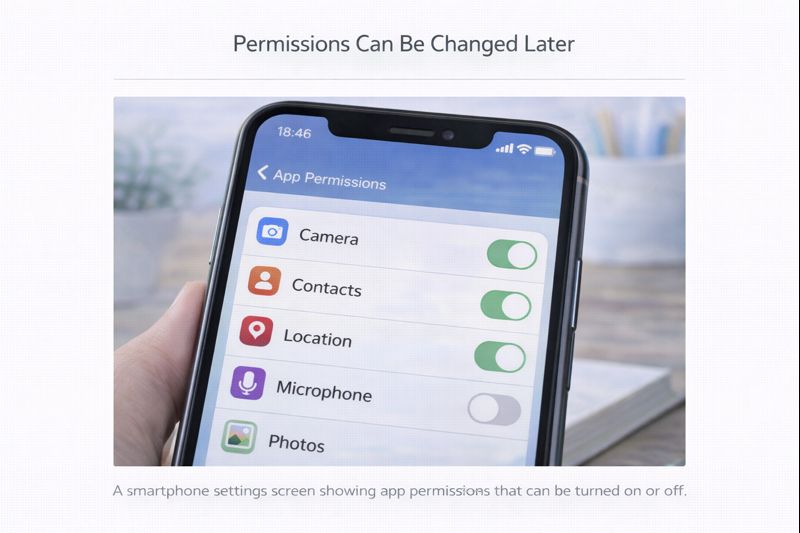
If you change your mind:
- Permissions can usually be changed in Settings
- You can turn access on or off at any time
- You can also remove the app completely
Nothing is permanent.
Notifications (A Common Permission)
Many apps ask to send notifications.
Notifications are messages that appear on your screen.
You can:
- Allow them
- Or turn them off if they’re annoying
Turning off notifications does not break the app.
A Simple Rule for Beginners
If you’re unsure, ask yourself:
“Does this app need this permission to do its job?”
If the answer is yes, it’s usually fine.
If the answer is no or I’m not sure, it’s okay to say no.
Take Your Time
You do not need to understand every permission message straight away.
Many people take time to feel comfortable with this — and that’s normal.
Learning to pause and think is a good habit.
What to Do Next
You have now completed the Apps Guides section.
You can:
- Revisit any guide
- Practice at your own pace
- Move on to Internet & Email or Online Safety
You are building confidence — and that matters more than speed.
Simple Tech Guide helps you use technology clearly, safely, and without pressure.