
(Quick Guide)
This is a simple reminder guide.
You do not need to read everything at once.
You cannot break your phone by replying to a message.
What You Need
- A smartphone that is turned on
- WhatsApp already installed
- A message received from someone
Step 1: Open WhatsApp
- Look for the green WhatsApp icon
- Tap it once
- WhatsApp will open

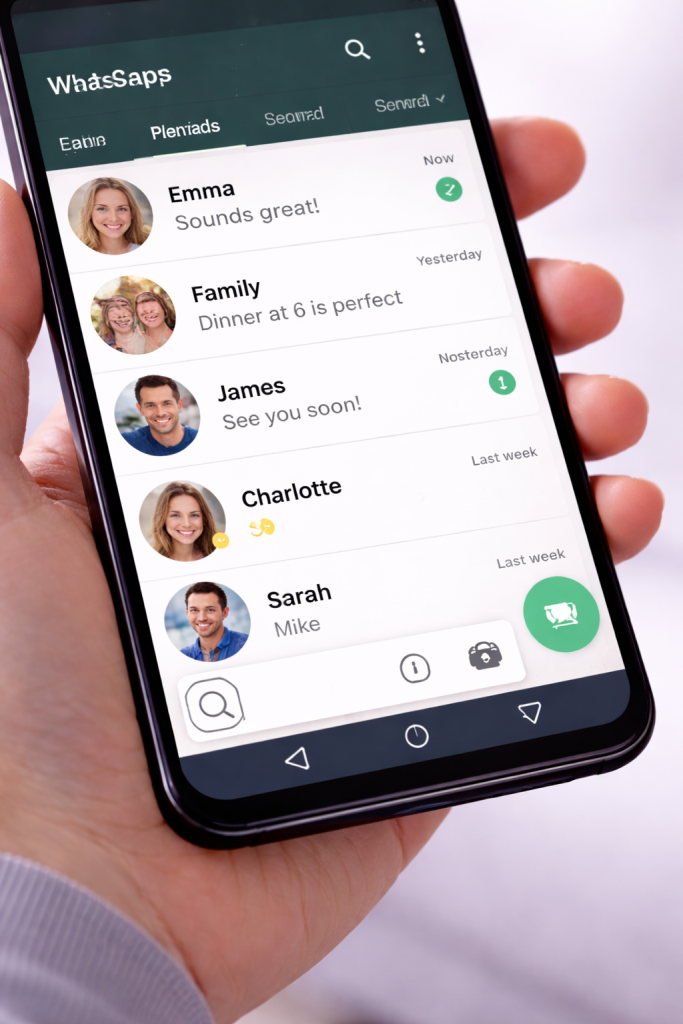
Step 2: Open the Conversation
- You will see a list of conversations
- Tap the conversation with the new message
The message will appear on the screen.
Step 3: Tap the Message Box
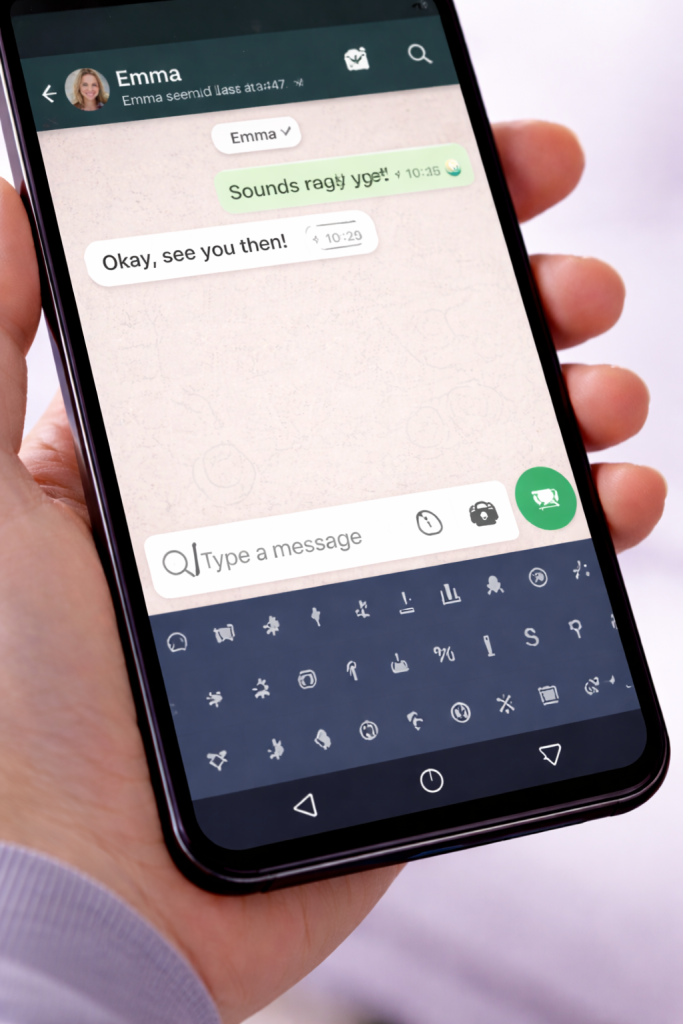
- Tap the message box at the bottom of the screen
- The keyboard will appear
This is normal.
Step 4: Type Your Reply
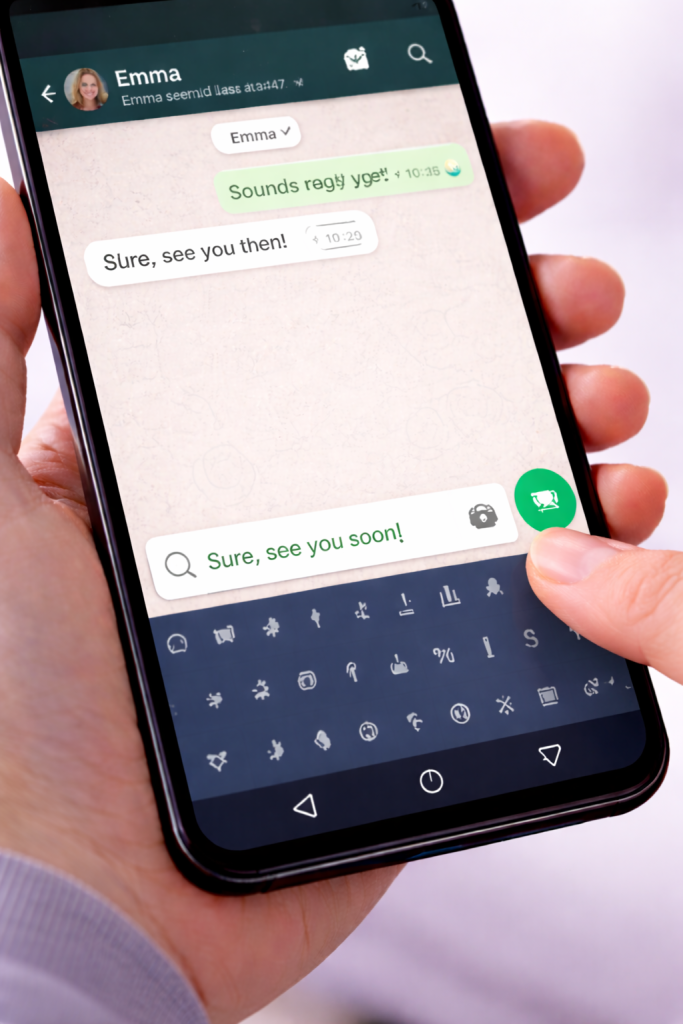
- Type your reply slowly
- You can stop and think
- You can delete text if you need to
Nothing is sent yet.
Step 5: Send the Reply
- Tap the green send button
- Your reply will be sent
That’s it.
Common Questions
Do I have to reply straight away?
No.
You can reply whenever you are ready. Messages do not disappear if you wait.
What if I type something and change my mind?
Nothing is sent until you tap the send button.
You can close WhatsApp or delete the text.
Can I reply with just a short message?
Yes.
Replies can be as short as you like. They do not need to be perfect.
What if I reply to the wrong message?
Nothing is broken.
You can send another message to explain or correct it.
Good to Know
- You can reply at any time
- Messages do not need to be long
- You can close WhatsApp when you are finished
Take your time. You are doing fine.
Helpful Next Steps
You may also find this useful:
- [How to Send a Message on WhatsApp]
- [How to Send a Photo on WhatsApp]
- [Simple Technology Questions Answered]
Simple Tech Guide
Calm, beginner-friendly technology help