
Technology is now part of everyday family life.
Children use:
- phones
- tablets
- games
- websites
- apps
- messaging
Many parents ask:
👉 “How do I keep my child safe online?”
The good news is:
You do not need to know everything about technology.
Small steps can make a big difference.
Talk About Technology Early
Children should feel comfortable talking about:
- apps
- websites
- games
- messages
- online worries
Try asking:
“What apps are popular at school?”
“What games are you playing?”
“Has anything online worried you?”
Keeping communication open often helps more than strict rules alone.

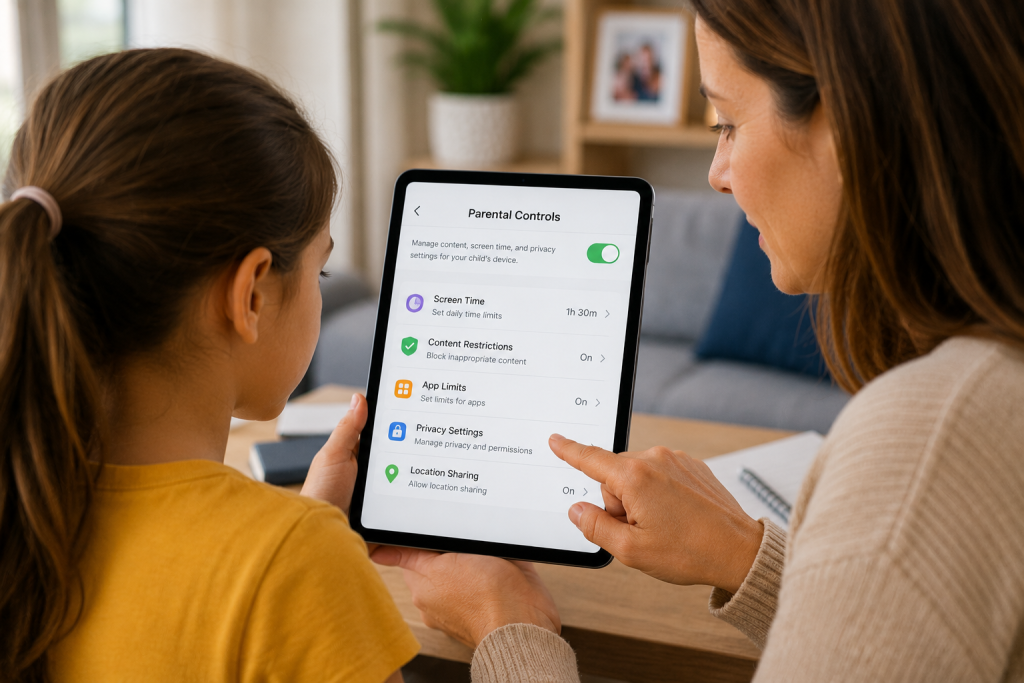
Use Parental Controls
Many devices include:
👉 parental controls.
These can help:
✔ limit screen time
✔ block websites
✔ approve downloads
✔ control purchases
Parental controls are available on:
- iPhone
- Android
- tablets
- game consoles
- streaming devices
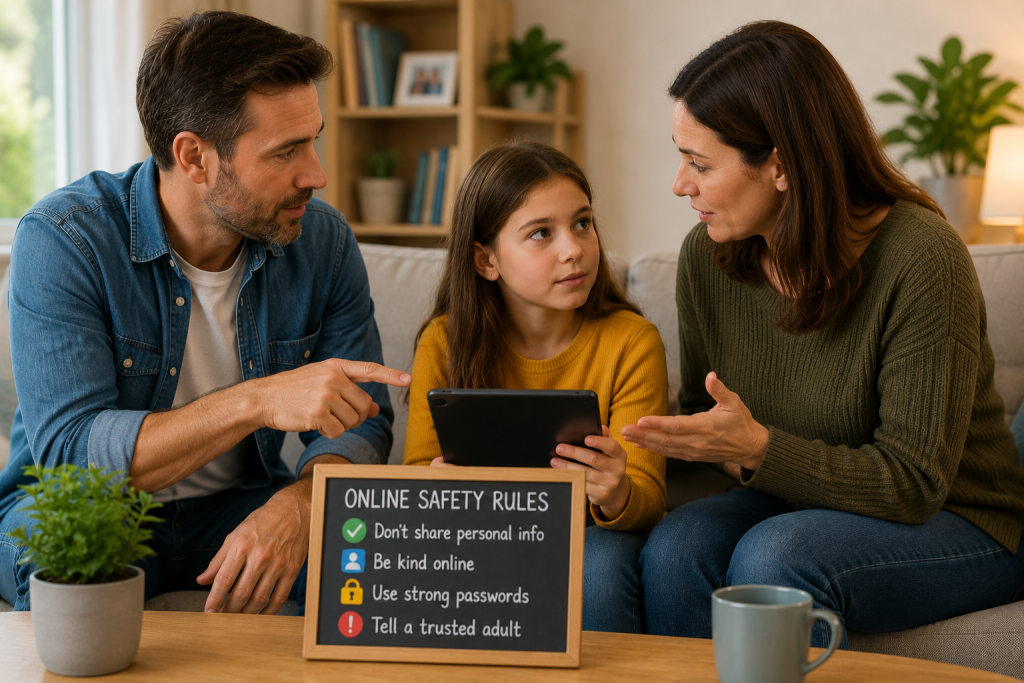
Teach Children About Personal Information
Children should avoid sharing:
❌ address
❌ school details
❌ passwords
❌ phone numbers
❌ location
Teach them:
“If you would not tell a stranger in real life, do not share it online.”
Check Privacy Settings
Many apps include privacy settings.
You can often:
- make accounts private
- limit messages
- disable location
- control followers
Review settings together.
Understand Screen Time
Screen time affects every family differently.
Rather than counting every minute:
focus on balance.
Encourage:
✔ outdoor time
✔ reading
✔ family activities
✔ breaks
Technology should support life — not replace it.
Know Which Apps Children Use
Stay aware of:
- social media
- games
- chat apps
- video apps
You do not need to use everything yourself.
Simply understanding what they use helps.
Teach Children About Online Strangers
Remind children:
People online are not always who they claim to be.
Encourage them to:
- speak to parents
- report concerns
- never meet strangers alone
Use Safe Search Tools
Many devices include:
- SafeSearch
- child accounts
- family filters
- restricted modes
These can reduce unsuitable content.
Common Parent Questions
What age should children get phones?
Every family is different.
Consider:
- maturity
- school
- responsibility
- need
Should children use social media?
Parents should understand platform rules and privacy settings first.
Should location sharing be enabled?
Some families find location tools reassuring.
Others prefer limited use.
How often should I check devices?
Regular conversations usually work better than constant monitoring.

Simple Safety Checklist
✔ Use parental controls
✔ Keep communication open
✔ Review privacy settings
✔ Understand apps
✔ Balance screen time
✔ Teach online safety
Final Thoughts
Technology can be positive, educational and fun.
The goal is not to remove technology.
The goal is:
👉 helping children use it safely.
Take things one step at a time.
You May Also Find Helpful
- What Age Should Children Get a Phone?
- Educational Apps for Children
- What Is Screen Time?
- How to Track a Lost Phone
- What Is a GPS Alarm?
- How Do I Block Scam Calls on My Phone? (Complete Beginner Guide)
- 12 Simple Ways to Boost Your Internet Speed (Say Goodbye to Buffering!)
- Why Is My Laptop So Slow? (Easy Fixes Without Losing Files)
- Why Is My Internet So Slow? (Easy Beginner Fix Guide)
- How to Recover a Deleted Email (Complete Beginner’s Guide)