
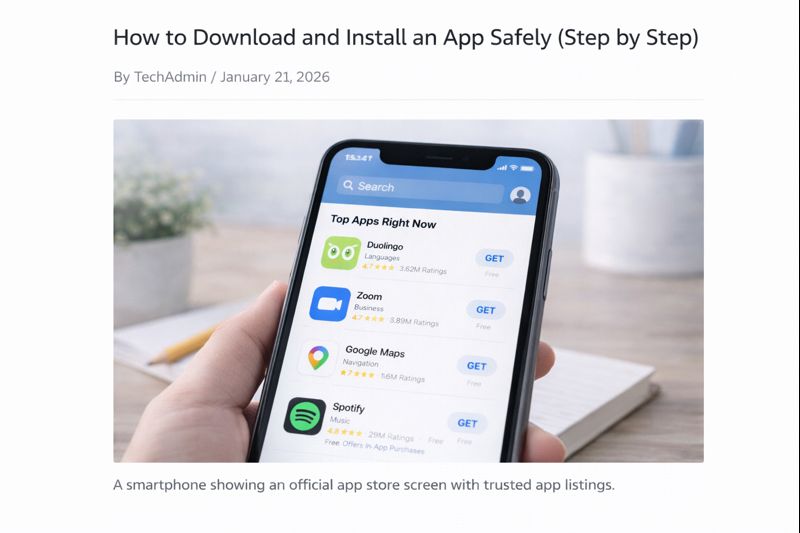
Downloading an app for the first time can feel worrying. Many people are unsure which apps are safe, where to download them from, or what buttons to press.
This guide explains how to download and install an app safely, using clear, simple steps. You do not need technical knowledge to follow this.
Where Apps Should Be Downloaded From
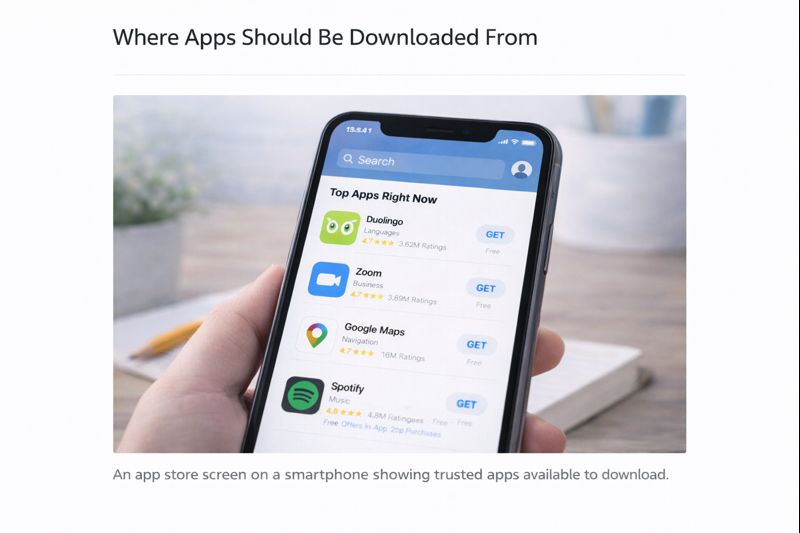
The safest place to download apps is from the official app store for your device.
- On Android phones and tablets: Google Play Store
- On iPhones and iPads: App Store
- On Windows computers: Microsoft Store (or the official website of the app)
- On Mac computers: Mac App Store (or the official website)
Avoid downloading apps from:
- Random websites
- Pop-up messages
- Links in emails or texts you don’t trust
If unsure — don’t download.
How to Find the App Store
- Look for the app store icon on your device
- Click or tap it once
- Wait for it to open
The app store is a safe place designed to protect users.
How to Search for an App
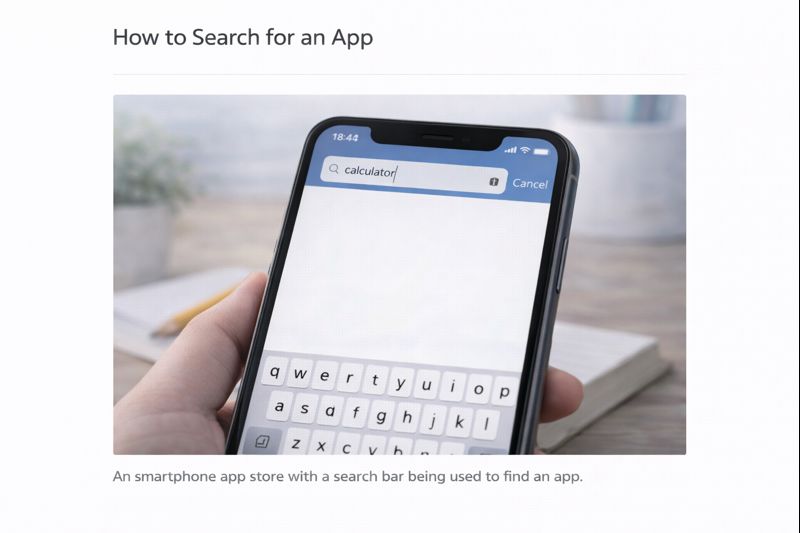
Once the app store is open:
- Look for the search bar
- Type the name of the app you want
(for example: “calculator” or “maps”) - Press Search
A list of apps will appear.
How to Choose the Right App
When choosing an app:
- Look for a well-known name
- Check that it has many downloads
- Read a few short reviews if you like
You do not need to read everything — just a quick look is enough.
How to Download and Install the App
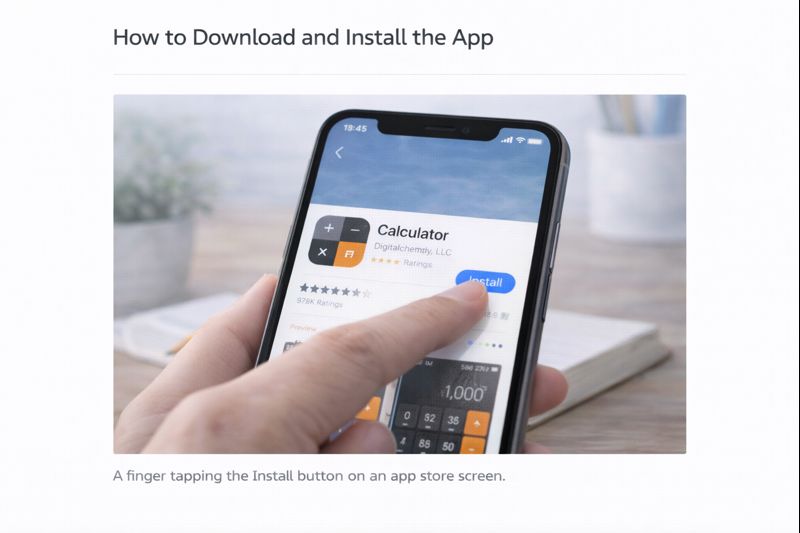
- Click or tap the app you want
- Look for a button that says Install, Get, or Download
- Click or tap the button once
- Wait while the app installs
The app will install automatically. This may take a few moments.
What If It Asks for a Password?
You may be asked to:
- Enter your device password
- Use a fingerprint or face scan
This is normal and helps keep you safe.
When the App Is Installed
Once installed:
- The app’s icon will appear on your screen
- You can open it by clicking or tapping the icon
You do not need to open it straight away.
What If You Download the Wrong App?
This happens to everyone.
If you don’t want the app:
- You can remove it later
- Nothing bad will happen
Downloading an app does not lock it onto your device forever.
Important Safety Tips
- Only download apps you actually need
- Be cautious of apps that ask for lots of personal information
- Close the app store if something feels confusing
- Take your time — there is no rush
If something doesn’t feel right, stop and come back later.
Take Your Time
Downloading apps becomes easier with practice.
The more you do it, the more confident you’ll feel.
You are learning at the right pace.
What to Learn Next
Once you’re comfortable downloading apps, the next helpful guide is:
How to Open, Close, and Remove Apps
You can also return to the Apps Guides page to choose what to learn next.
Simple Tech Guide helps you use everyday technology clearly, safely, and without pressure.