
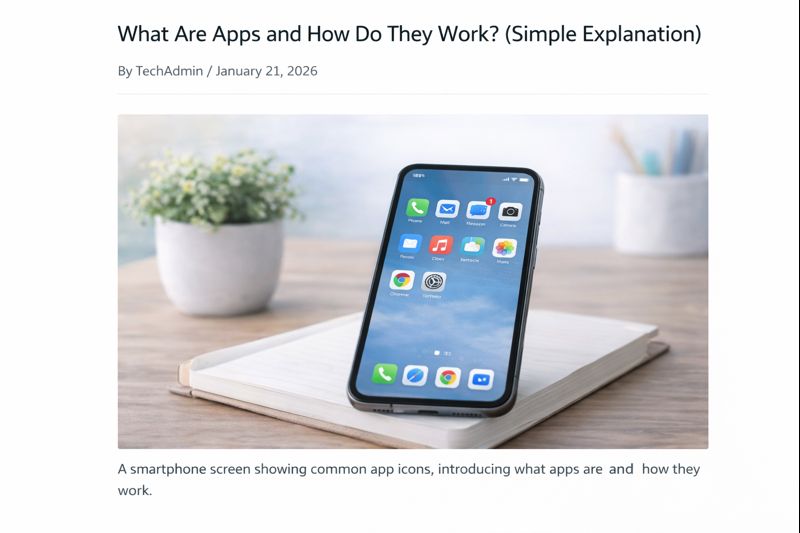
Apps are something many people use every day, but few people are ever clearly told what apps actually are or how they work.
If apps feel confusing, overwhelming, or a little intimidating, that’s completely normal.
This guide explains apps slowly and clearly, using plain language. You do not need any previous knowledge.
What Is an App?
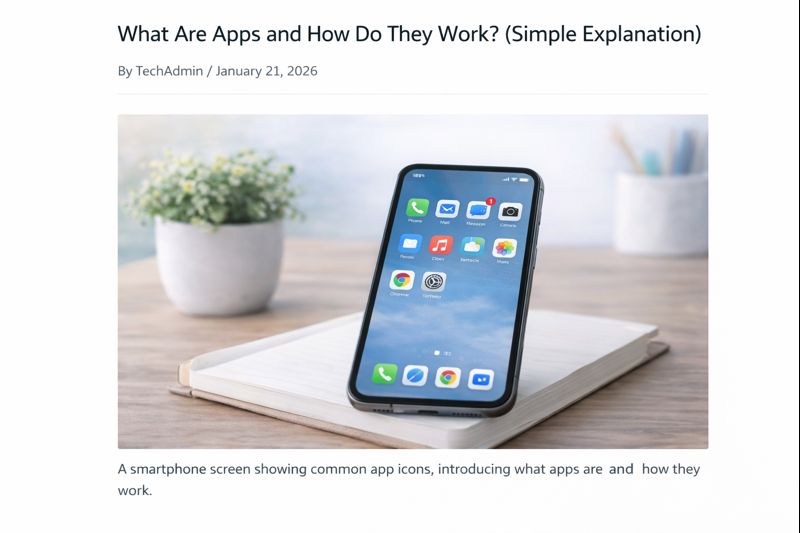
An app (short for application) is a small program that helps your device do a specific task.
Think of an app like a tool.
For example:
- A calculator app helps you do sums
- A camera app lets you take photos
- A maps app helps you find directions
- An email app lets you read and send messages
Each app is designed to do one main job.
Where Do Apps Live?
Apps live on your device.
Depending on what you use, apps can be on:
- A smartphone
- A tablet
- A computer
Once an app is installed, it stays on your device until you remove it.
How Apps Are Different From Websites
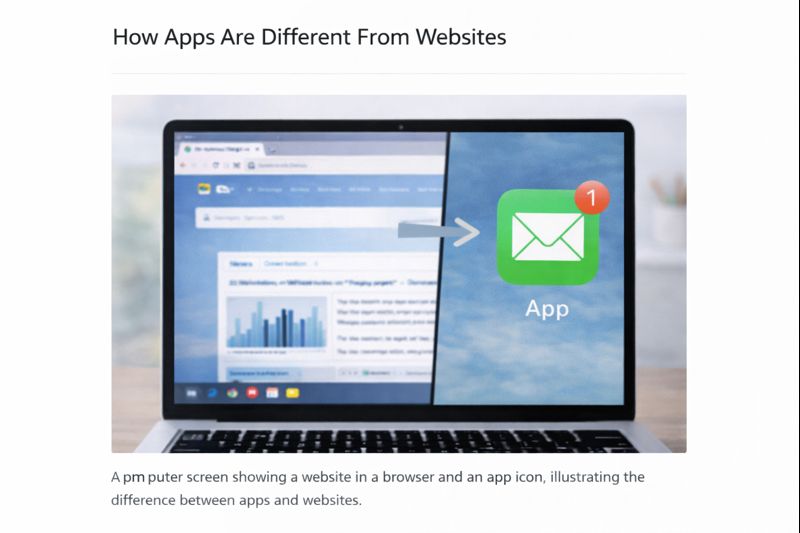
This is a common source of confusion.
A website:
- Is viewed through the internet
- Uses a web browser
- Does not stay on your device
An app:
- Is installed on your device
- Has its own icon
- Opens on its own
- Often works faster than a website
Some companies have both a website and an app.
How to Recognise an App
Apps usually have:
- Their own icon (small picture)
- Their own name
- Their own screen or window when opened
On phones and tablets, apps appear as icons on the screen.
On computers, apps may appear on the desktop, taskbar, or Start menu.
How Apps Are Opened
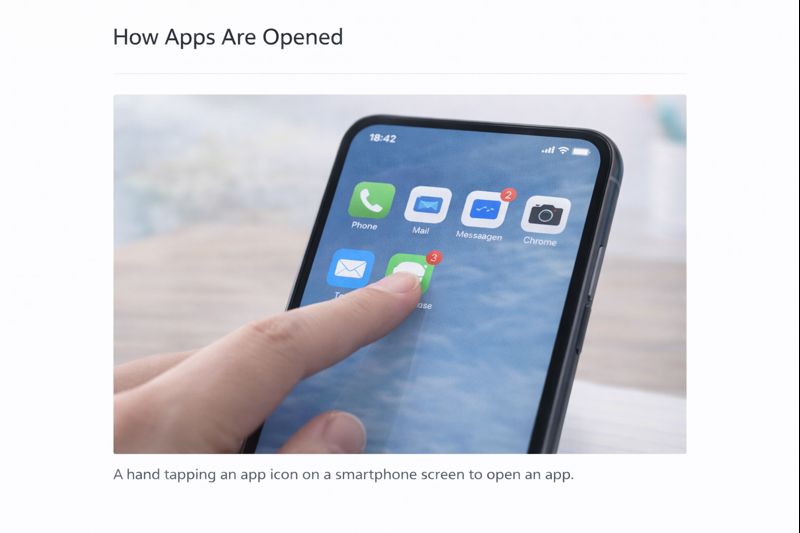
To open an app:
- Find the app’s icon
- Click or tap it once
- Wait for it to open
You do not need to press hard or tap repeatedly.
Do Apps Cost Money?
Many apps are:
- Free
- Or free with optional paid features
Some apps cost money to download, but:
- You will usually be told clearly
- You will be asked to confirm before paying
You are always in control.
Why Apps Need Updates
Apps are updated to:
- Fix problems
- Improve security
- Add small improvements
Updates are normal and safe.
You do not need to understand the technical details — updates simply keep apps working properly.
Common Beginner Worries About Apps
“Can I break my device by using an app?”
No. Apps are designed to be used safely.
“What if I download the wrong app?”
You can remove it. Nothing is permanent.
“Do I need lots of apps?”
No. Many people only use a few apps regularly.
Take Your Time
You do not need to understand every app or use them all.
Learning how apps work is about:
- Confidence
- Familiarity
- Practice
One app at a time is more than enough.
What to Learn Next
Once you understand what apps are, the next helpful guide is:
How to Download and Install an App Safely
This explains how to get apps without worry or confusion.
You can also return to the Apps Guides page whenever you need to.
How to use Facebook as a beginner:
Simple Tech Guide explains everyday technology clearly, without pressure or jargon.