
YouTube can be a fantastic source of entertainment, learning and creativity for children.
Millions of children use YouTube every day to:
- Watch educational videos
- Learn new skills
- Enjoy cartoons
- Follow hobbies and interests
- Listen to music
However, many parents worry about what their children might accidentally see online.
The good news is that there are several simple tools and settings that can help make YouTube much safer for children.
In this guide, we’ll explain everything in plain English.
Why Are Parents Concerned About YouTube?
YouTube contains billions of videos uploaded by people around the world.
While much of the content is perfectly suitable, some videos may contain:
- Strong language
- Violence
- Inappropriate themes
- Misleading information
- Content aimed at older audiences
Even when children start by watching suitable videos, recommendations can sometimes lead them towards content that parents would rather avoid.
This is why it’s important to use the safety tools available.
What Is YouTube Kids?
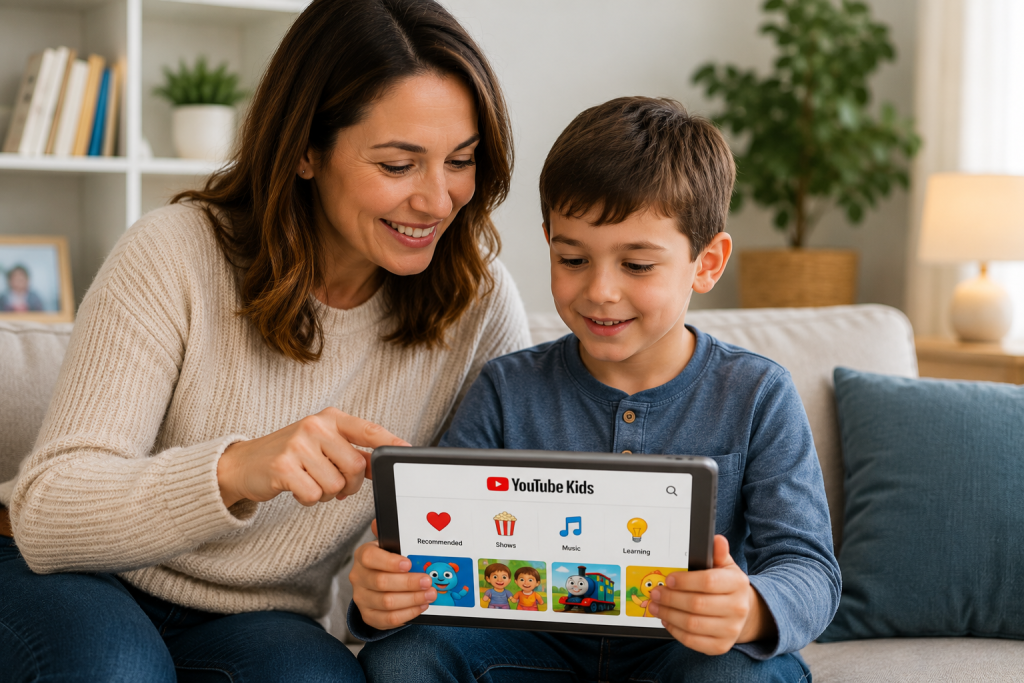
YouTube Kids is a version of YouTube designed specifically for children.
It offers:
✅ Child-friendly videos
✅ Age-appropriate content
✅ Simpler controls
✅ Parental supervision features
✅ Reduced risk of inappropriate recommendations
Parents can download the YouTube Kids app on:
- Smartphones
- Tablets
- Smart TVs
For younger children, YouTube Kids is often the safest place to start.
How To Set Up YouTube Kids
Setting up YouTube Kids is straightforward.
Step 1
Download the YouTube Kids app.
Step 2
Sign in with your Google account.
Step 3
Choose your child’s age range.
Options include:
- Preschool
- Younger children
- Older children
Step 4
Review parental settings.
Step 5
Create viewing rules that suit your family.
Many parents find this provides a safer experience than regular YouTube.
What Is Restricted Mode?
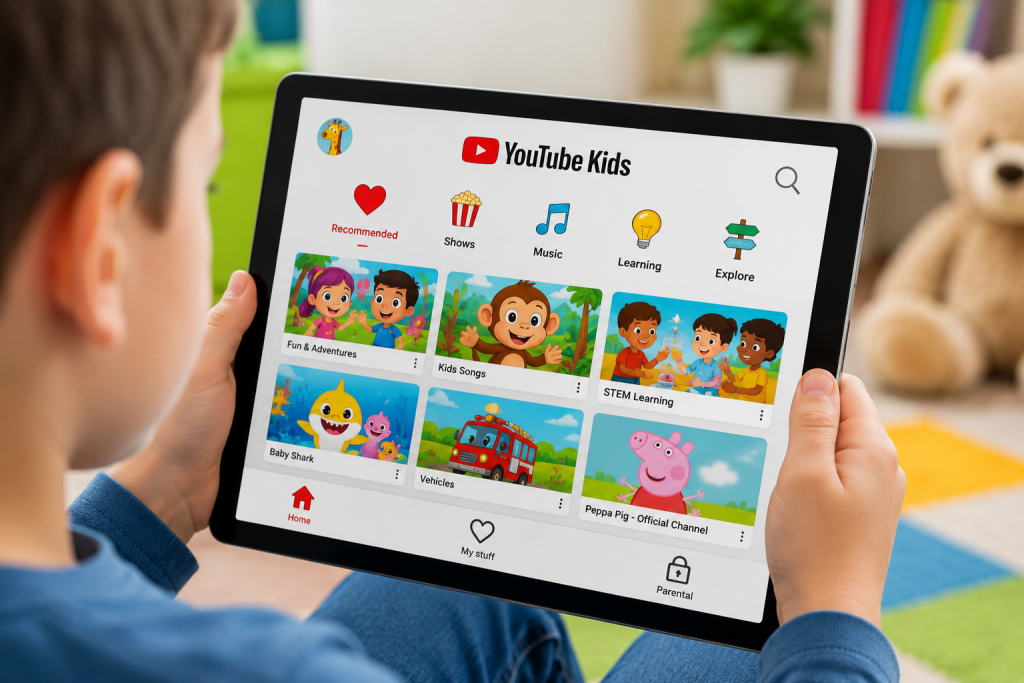
Restricted Mode is a setting available on standard YouTube.
It helps hide videos that may contain mature content.
While it is not perfect, it can reduce the chances of children encountering unsuitable videos.
To enable Restricted Mode:
On Mobile
- Open YouTube
- Tap your profile picture
- Open Settings
- Select General
- Turn on Restricted Mode
On Desktop
- Open YouTube
- Click your profile icon
- Scroll down
- Enable Restricted Mode
This takes less than a minute.
Can Restricted Mode Block Everything?
No.
Restricted Mode is helpful, but it is not guaranteed to block every unsuitable video.
This is why many experts recommend:
- Parental involvement
- Regular conversations
- Monitoring viewing habits
- Using YouTube Kids for younger children
Technology works best when combined with active parenting.
Additional Safety Tips
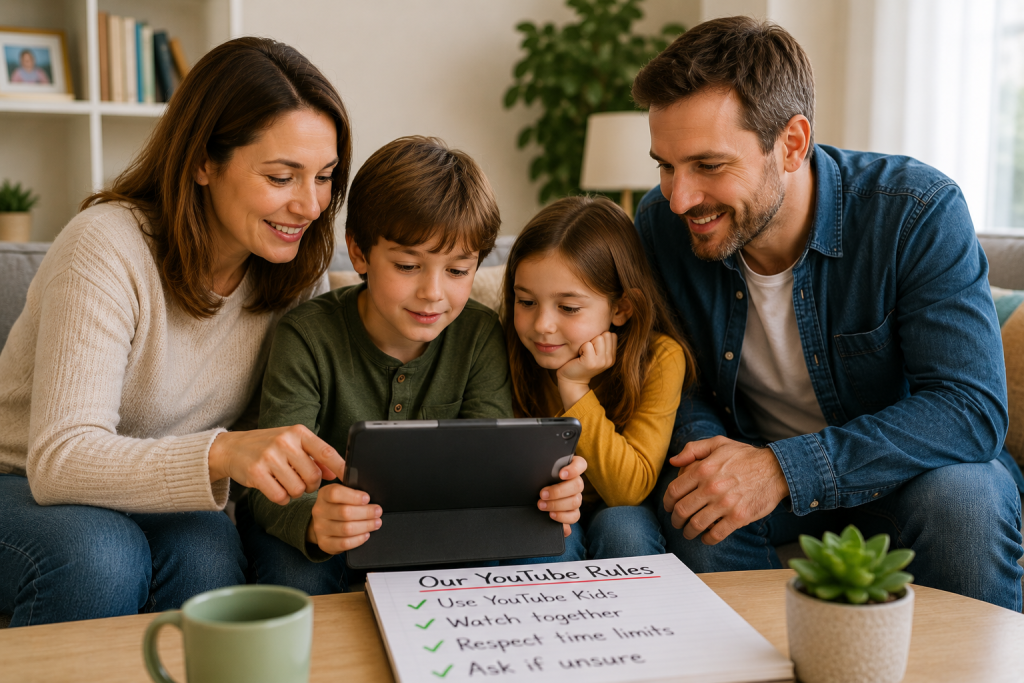
Watch Together
Watching videos together helps you understand what your child enjoys.
Subscribe To Trusted Channels
Choose educational and family-friendly creators.
Turn Off Autoplay
Autoplay can sometimes lead to unexpected content.
Disabling it gives parents more control.
Check Viewing History
Reviewing watch history occasionally can help identify concerns.
Set Time Limits
Balance YouTube with:
- Outdoor play
- Family activities
- Reading
- Sports
- Hobbies
Talking To Children About Online Videos
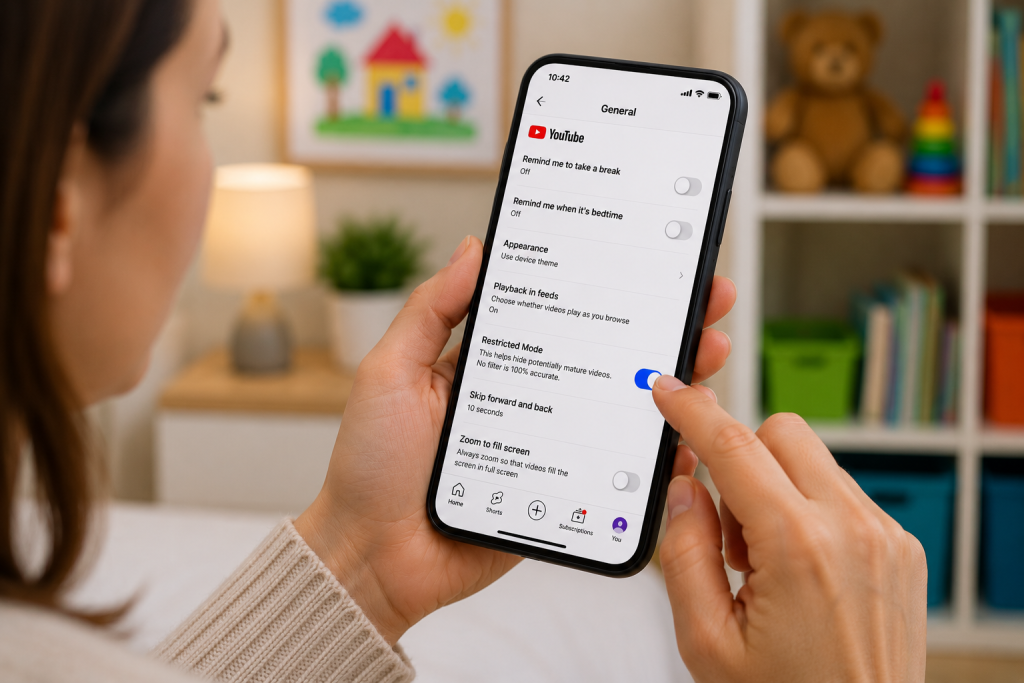
Technology settings are useful, but conversations are equally important.
Talk to children about:
- Online safety
- Not believing everything they see online
- Asking questions
- Speaking to a trusted adult if something makes them uncomfortable
Building trust helps children make safer choices online.
Finding The Right Balance
YouTube can be:
✅ Educational
✅ Entertaining
✅ Creative
✅ Inspiring
The goal is not to ban technology completely.
Instead, focus on:
- Safe settings
- Age-appropriate content
- Family discussions
- Healthy screen habits
This helps children enjoy the benefits of technology while reducing risks.
Frequently Asked Questions
Is YouTube Kids completely safe?
No system is perfect, but YouTube Kids is generally safer for younger children than standard YouTube and includes additional parental controls.
What age is YouTube Kids suitable for?
YouTube Kids is designed primarily for younger children and allows parents to choose age-appropriate settings.
Should my child use regular YouTube?
Older children may use regular YouTube with parental guidance, Restricted Mode and sensible viewing habits.
Can children turn off Restricted Mode?
Depending on device settings and account permissions, some children may be able to disable it. Parents should review settings regularly.
Should I watch YouTube with my child?
Whenever possible, yes. Shared viewing helps parents understand what children are watching and creates opportunities for discussion.
Is YouTube educational?
Many channels offer excellent educational content covering science, history, languages, art, technology and school subjects.
Final Thoughts
YouTube can be a valuable learning and entertainment tool when used responsibly.
The safest approach usually combines:
✅ YouTube Kids
✅ Restricted Mode
✅ Parental involvement
✅ Healthy screen time habits
✅ Open conversations
Technology will continue to play an important role in children’s lives. The key is helping them use it safely, confidently and responsibly.
Related Guides
👉 What Age Should Children Get a Phone?
👉 Keeping Children Safe Online
👉 What Is Screen Time and How Much Is Too Much?
👉 What Is Parental Control and Do I Need It?
Latest posts: