
(Beginner Guide)
This is a simple explanation.
You do not need any technical knowledge.
You cannot break anything by using email.
What Is Email?
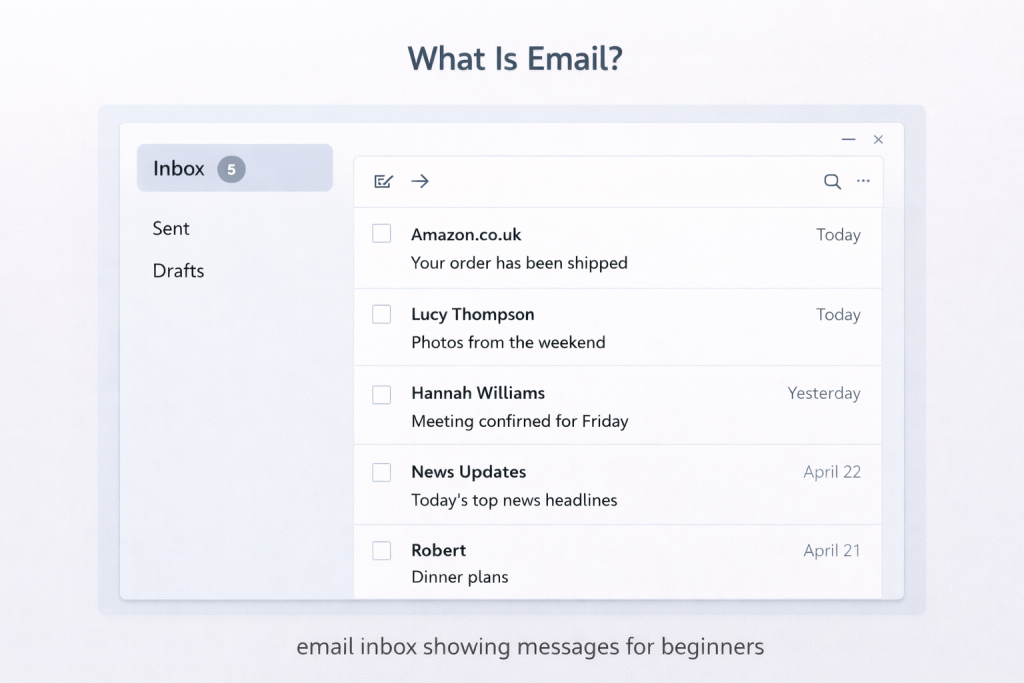
Email is a way to send messages over the internet.
It is similar to sending a letter, but:
- It is much faster
- It does not use paper
- It can include photos or files
You can send and receive emails from:
“If you want to send a picture, follow our step-by-step guide on how to attach a photo to an email.”
- A computer
- A smartphone
- A tablet
What Do You Need to Use Email?
To use email, you need:
- An internet connection
- An email address
- An email app or website
An email address usually looks like:
name@example.com
This tells email where messages should be sent.
How Does Email Work?
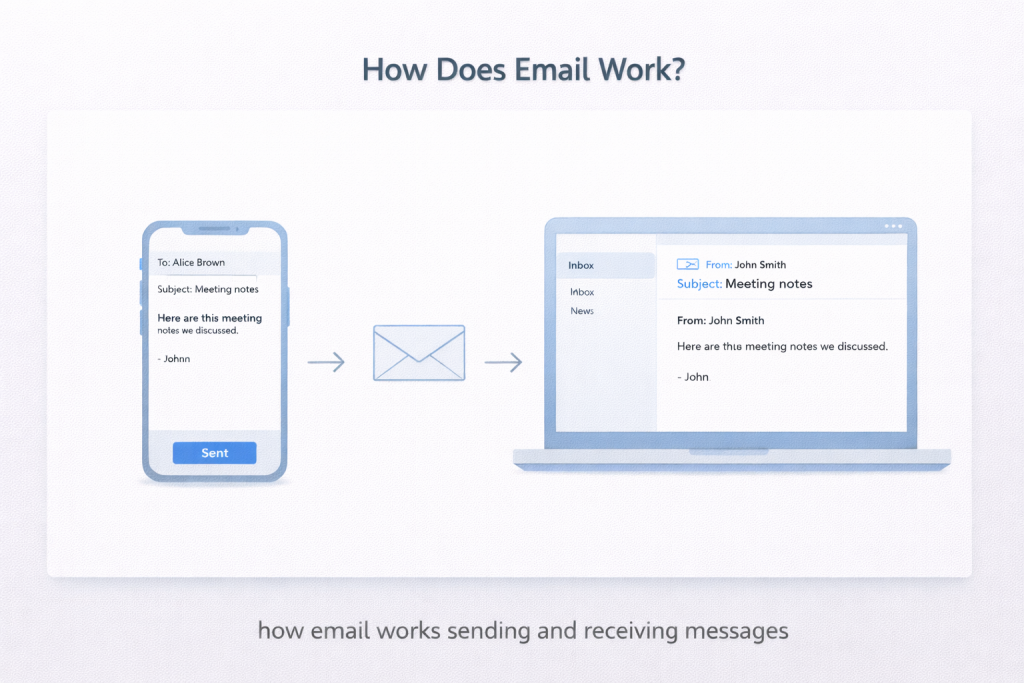
When you send an email:
- You write a message
- You press send
- The message travels through the internet
- It arrives in the other person’s inbox
This usually takes only a few seconds.
You do not need to understand what happens in between.
What Is an Inbox?
An inbox is where received emails appear.
Your inbox can contain:
- New messages
- Old messages
- Important information
You can open an email, read it, and close it again at any time.
Is Email the Same as Text Messaging?
No.
- Email is often used for organisations, accounts, and longer messages
- Text messages are usually short and sent between phones
Both are useful. One is not better than the other.
Is Email Safe?
Email itself is not dangerous.
Problems usually happen when:
- Emails ask for personal information
- Messages create pressure or urgency
- Links or attachments are unexpected
You are always allowed to:
- Take your time
- Not reply
- Delete an email
Good to Know
- You do not have to reply to every email
- You can leave emails unread and return later
- Sending an email does not commit you to anything
- You can ask someone for help if you are unsure
Take your time. You are doing fine.
Helpful Next Steps
You may also find these useful:
- How to Use Email for the First Time
- How to Attach a Photo to an Email
- How to Spot Suspicious Emails
- Simple Technology Questions Answered
Simple Tech Guide
Calm, beginner-friendly technology help