
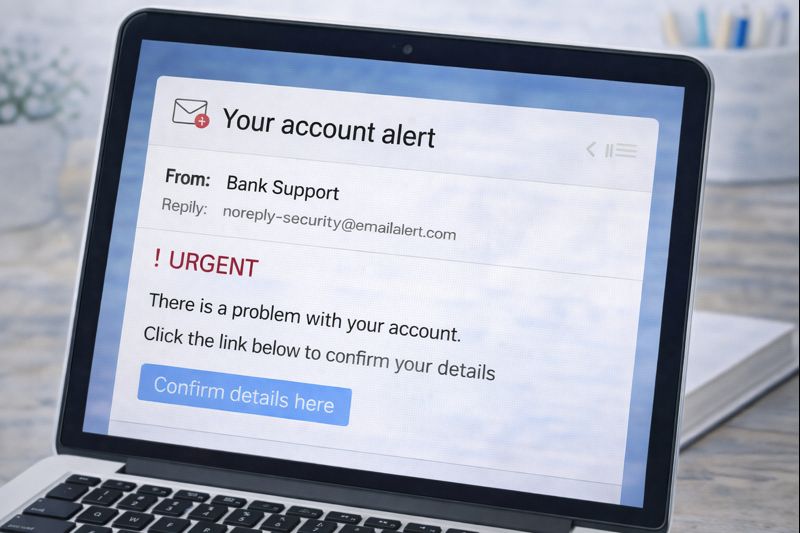
Using the internet can be helpful and enjoyable, but it’s important to know how to recognise online scams — especially if you are new to technology.
Scams are designed to rush you, confuse you, or scare you into acting quickly.
The good news is that once you know the common signs, scams become much easier to spot.
This guide explains online scams slowly and clearly, using plain language and simple examples.
You do not need any technical knowledge.
What Is an Online Scam?
An online scam is when someone tries to trick you into:
- Giving away personal information
- Sending money
- Clicking a harmful link
- Downloading something unsafe
Scams can arrive through:
- Emails
- Text messages
- Phone calls
- Social media messages
- Fake websites
They often pretend to be someone you trust.
Common Types of Online Scams
Fake Emails (Phishing Emails)
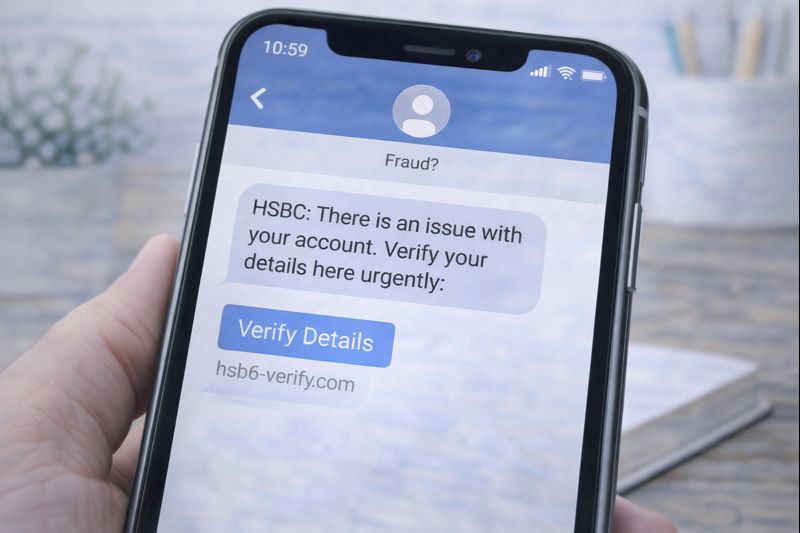
These emails may look like they are from:
- Your bank
- A delivery company
- A government service
- A well-known business
They often say things like:
- “There is a problem with your account”
- “Your payment failed”
- “You must act now”
Warning signs:
- Poor spelling or grammar
- A sense of urgency
- Asking you to click a link or download a file
If unsure, do not click anything.
Scam Text Messages
Scam texts often claim:
- A parcel is waiting
- A payment is overdue
- Your account is locked
They usually include a link.
If you weren’t expecting the message, be cautious.
Legitimate companies rarely ask for personal details by text.
Phone Call Scams
Scammers may call pretending to be:
- A bank
- Technical support
- A government office
They may ask for:
- Passwords
- Codes
- Bank details
Real organisations will never ask for this over the phone.
If in doubt, hang up.
Fake Websites
Some websites are made to look real but are not.
Be careful if a website:
- Asks for lots of personal information
- Looks rushed or poorly written
- Pressures you to act quickly
If something feels wrong, leave the site.
Simple Warning Signs to Remember
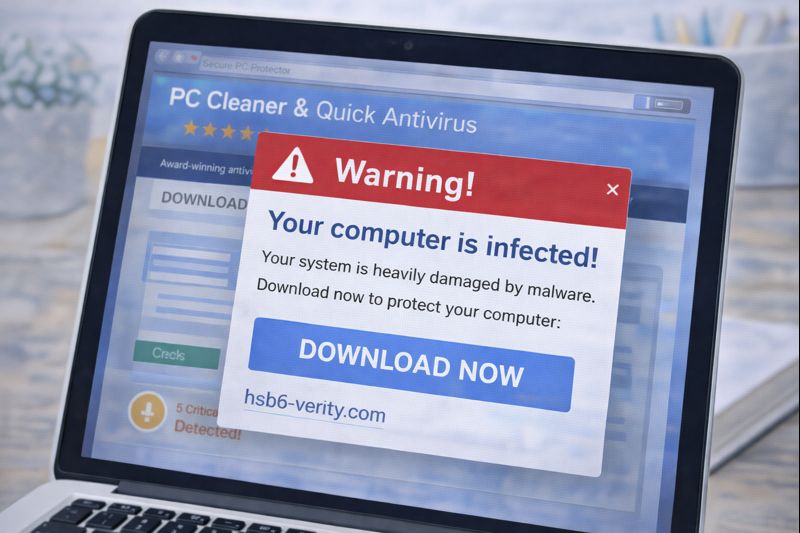
A message or website may be a scam if it:
- Tries to scare you
- Rushes you to act
- Asks for personal information
- Sounds too good to be true
Trust your instincts. Feeling unsure is a sign to pause.
What To Do If You’re Unsure
If you’re not sure whether something is safe:
- Do nothing straight away
- Do not click links
- Do not reply
- Close the message or browser
You can always:
- Check with a trusted person
- Look up the company separately
- Come back to it later
Scammers rely on speed. Taking your time keeps you safe.
What If You Clicked Something by Mistake?
Don’t panic.
Many people do this at some point.
If it happens:
- Close the page
- Do not enter information
- Restart your device if it helps you feel comfortable
Nothing bad happens just from clicking once.
A Reassuring Reminder
You do not need to be afraid of the internet.
Most online activity is safe when you:
- Take your time
- Stay cautious with personal information
- Pause if something feels wrong
Learning to recognise scams is a skill — and you are already learning it.
What to Learn Next
When you’re ready, the next helpful guide is:
How to Protect Your Personal Information Online (Simple Guide)
You can also return to the Online Safety page at any time.