
If you’ve heard words like Chromebook, laptop, and PC, it can feel confusing.
The good news is that they are all types of computers — just used in slightly different ways.
This guide explains everything in simple, easy-to-understand language.
What Is a Laptop?
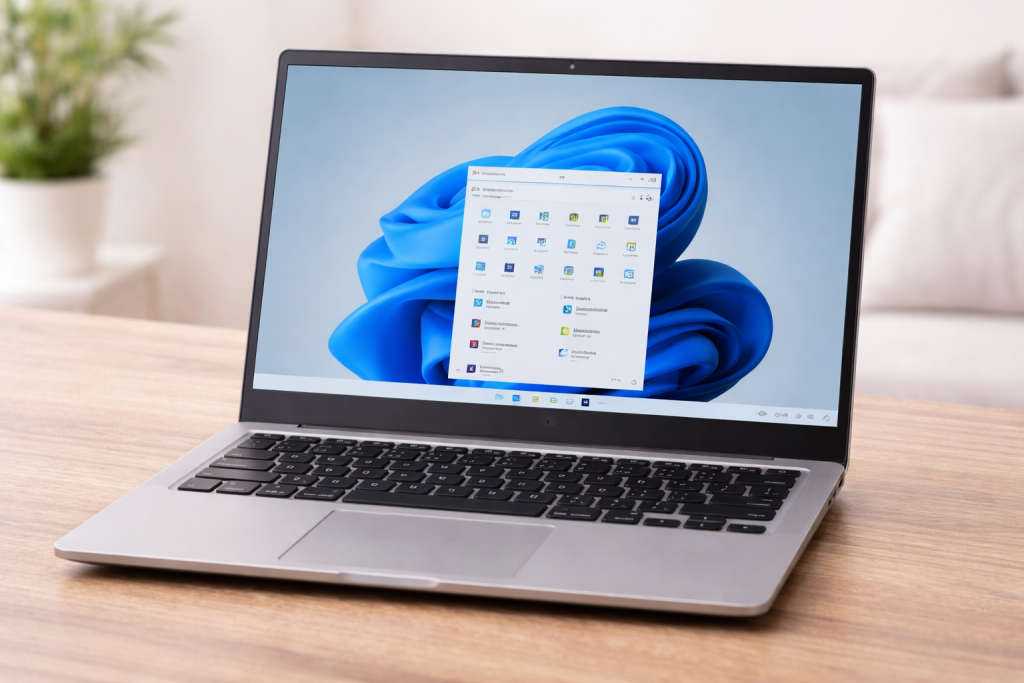
A laptop is a portable computer that you can carry around.
You can use it for:
- Writing documents
- Sending emails
- Watching videos
- Using programs like Word or Excel
Most laptops run:
- Windows (very common)
- Apple macOS (MacBook)
A laptop can work with or without the internet.
What Is a Chromebook?
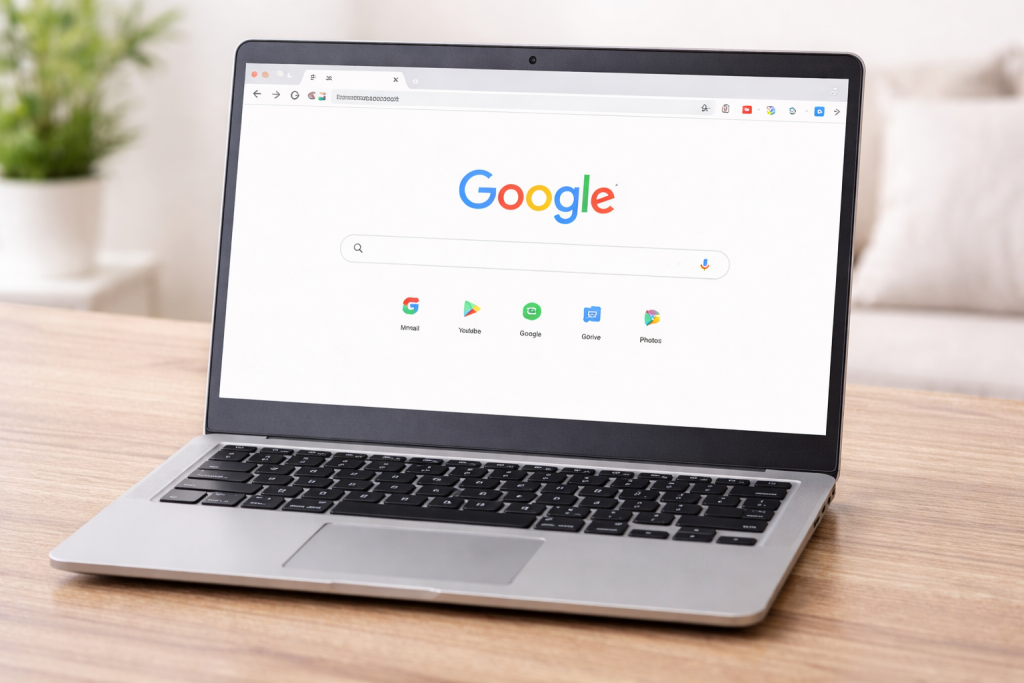
A Chromebook is also a laptop — but it is designed to be simpler.
It mainly uses the internet to do things.
You use it for:
- Browsing websites
- Checking email
- Watching videos
- Online shopping
Instead of installing lots of programs, you mostly use:
- Websites
- Simple apps
👉 Chromebooks are:
- Easier to use
- Faster to start
- Less likely to go wrong
They are a good choice for beginners.
What Is a PC?
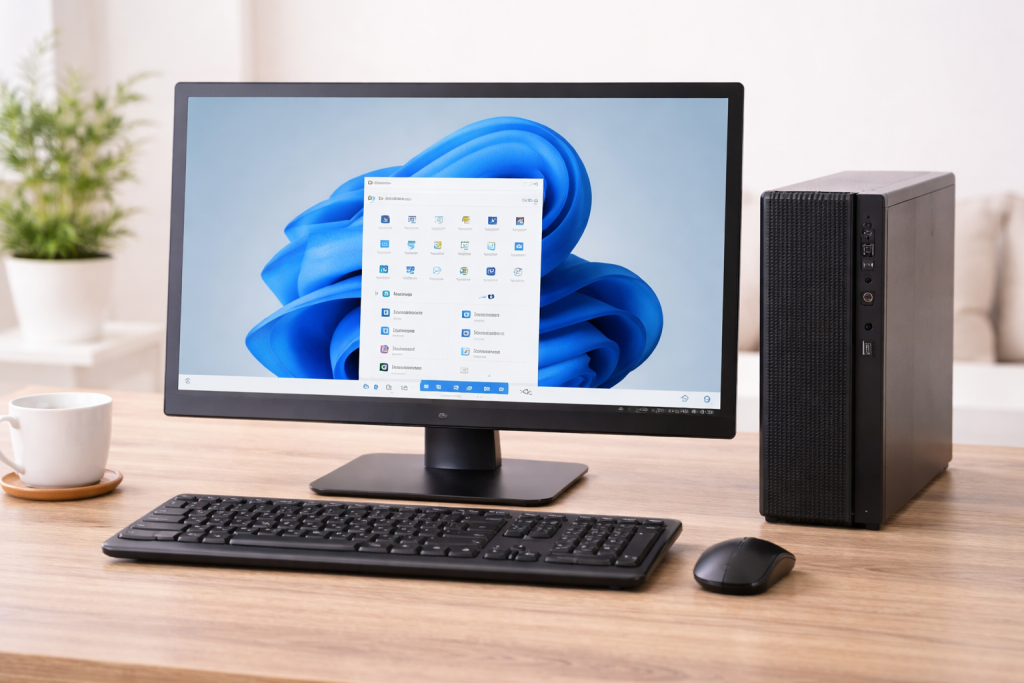
A PC stands for Personal Computer.
This is just a general name for a computer.
It usually means:
- A Windows laptop
- Or a desktop computer
So:
👉 A laptop can be a PC
👉 A desktop computer is also a PC
Simple Comparison
| Device | What It Means | Best For |
|---|---|---|
| Chromebook | Simple laptop that uses the internet | Beginners, browsing, email |
| Laptop | Full computer you can carry | Work, programs, everyday use |
| PC | General name for a computer | Any computer (usually Windows) |
Which One Is Best for Beginners?
For most beginners:
👉 A Chromebook is often the easiest to use
Because:
- It is simple
- It doesn’t have complicated programs
- It focuses on everyday tasks
But if you need:
- Microsoft Office
- Special programs
- More power
Then a Windows laptop may be better.
Reassurance
If you are using a Chromebook, you are not using the “wrong” device.
It is designed to be:
- Simple
- Safe
- Easy to learn
Take your time — you’re doing fine.
Related Guides
➡ How to Use the Internet for Beginners
➡ How to Send an Email
➡ How to Connect to Wi-Fi