
(Quick Guide)
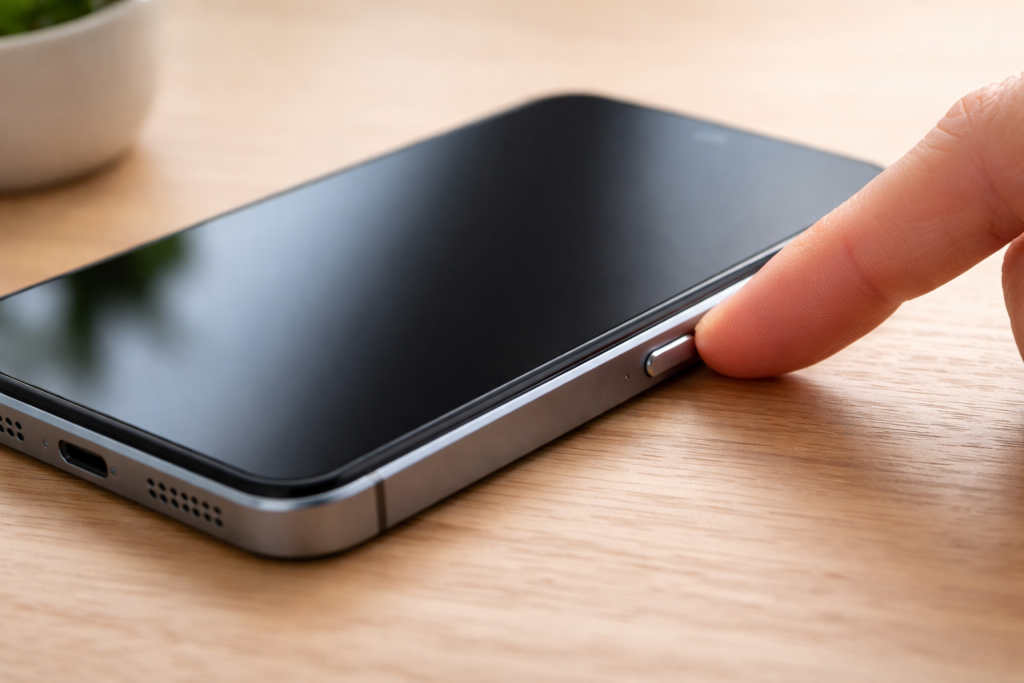
This is a simple reminder guide.
You do not need to read everything at once.
You cannot break your phone by turning it on.
What You Need
- A smartphone
- A moment to look at the buttons on the side of the phone
How to Turn Your Phone On
- Look at the sides of your phone
Find a small button on the side or top.
This is called the power button. - Press and hold the power button
Keep holding it for about 2–3 seconds.
Do not tap it quickly. - Wait for the screen to light up
You may see a logo or the screen may turn bright.
This means the phone is turning on.
That’s it.
If Nothing Happens
- Try holding the power button a little longer (up to 5 seconds)
- Make sure the phone has some battery charge
- Plug the phone into a charger and wait a few minutes, then try again
Nothing is broken.
Good to Know
- You cannot damage your phone by pressing the power button
- If the screen stays black, the phone may just need charging
- You can try again slowly — there is no rush
Take your time.
You are doing fine.
You May Also Find Helpful
- How Do I Unlock My Phone? (Quick Guide)
- How to Use a Smartphone for the First Time (Step by Step)
- Smartphone Basics
Simple Tech Guide
Calm, beginner-friendly technology help