
📱 Smartphone Basics | 💻 Computer Basics | 🧩 Apps Guides | 🌐 Internet & Email | 🔒 Online Safety | ❓ Simple Technology Questions
(Quick Guide)
Before You Start
- Files are rarely lost — they are usually just saved somewhere else
- You cannot break anything by searching
- Take your time and follow the steps slowly
- You can always come back to this guide
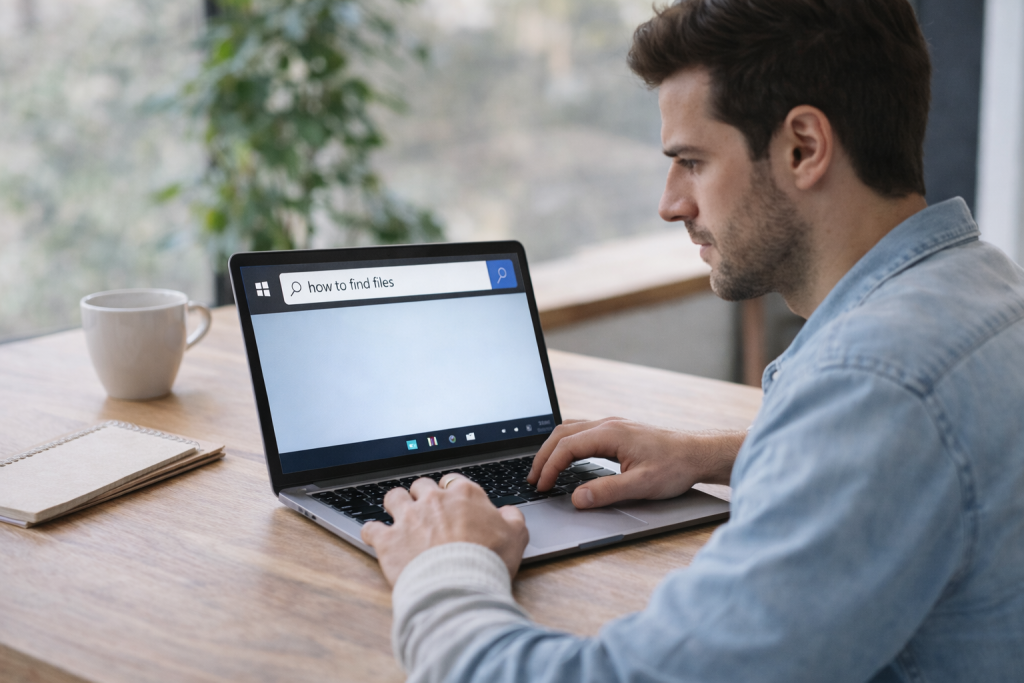
This is a simple reminder guide.
You do not need to read everything at once.
If you can’t find a file, nothing is broken.
Files are rarely lost — they are usually just saved somewhere unexpected.
Take your time. You are doing fine.
What Is a File?
A file is something you save on your computer, such as:
- A document
- A photo
- A letter or form
- Something you downloaded
Every file lives in a folder, even if you don’t always see it.
👉 If this feels confusing, you may want to read:
Understanding Files and Folders (A Simple Explanation)
Common Places Files Are Saved
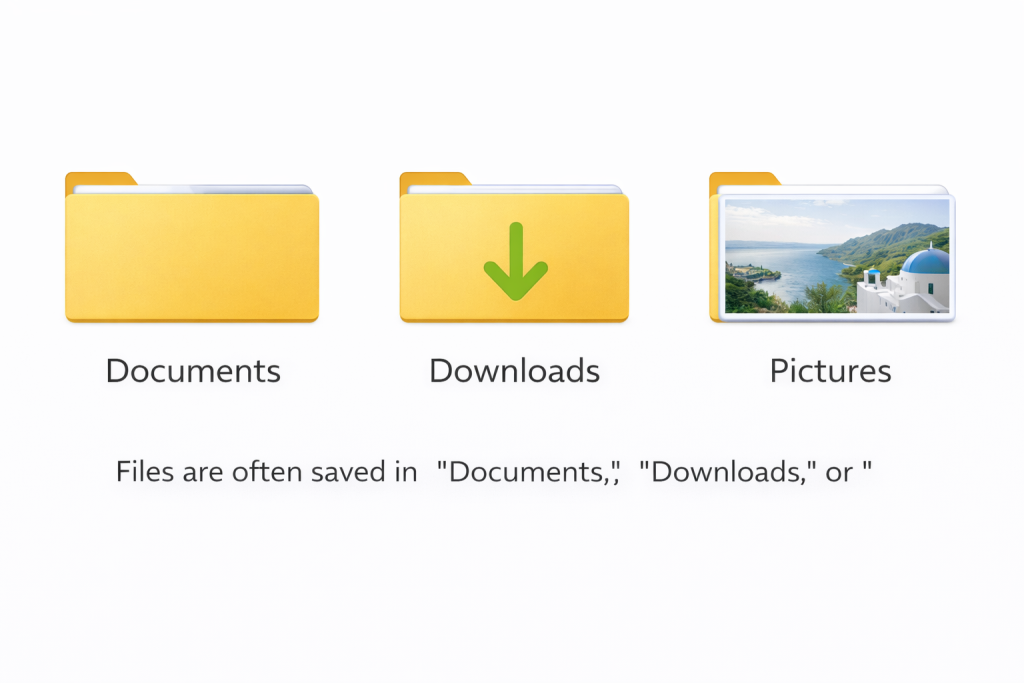
Most files are usually in one of these places:
📂 Documents
Often used for letters, forms, and written work.
📂 Downloads
Files from the internet usually go here automatically.
🖼 Pictures
Photos and images are often saved here.
🖥 Desktop
Some files appear directly on the main screen.
It’s okay to click each of these and look — you cannot damage anything by opening folders.
How to Search for a File

If you don’t know where your file is, searching is the easiest method.
Step 1: Use the Search Box
- On Windows: click the search box near the Start menu
- On Mac: click the magnifying glass at the top
Step 2: Type Part of the Name
You don’t need the full name.
Even one word is enough.
Step 3: Wait a Moment
Results may take a few seconds to appear.
Step 4: Click the File

If it opens, you’ve found it.
That’s it.
If You Still Can’t Find It
That’s okay.
Try these calm steps:
- Check the Downloads folder again
- Think about what you were doing when you saved it
- Search using a different word
- Take a short break and come back later
Files don’t disappear easily.
Most of the time, they are simply saved somewhere unexpected.
Good to Know
- You cannot harm your computer by searching
- Clicking folders does not break anything
- Files are almost never deleted by accident
- You can always save the file again if needed
Take your time. There is no rush.
Helpful Next Guides
If you’d like more help, these guides may be useful:
- How to Open and Save a File (Beginner Guide)
- Understanding Files and Folders (A Simple Explanation)
- How to Take a Screenshot on Windows (Beginner Guide)
- What is an email and how does it work?
If something doesn’t look right, it’s okay to stop and check.
You are learning — and that’s exactly how it should feel.