
By Tech Admin
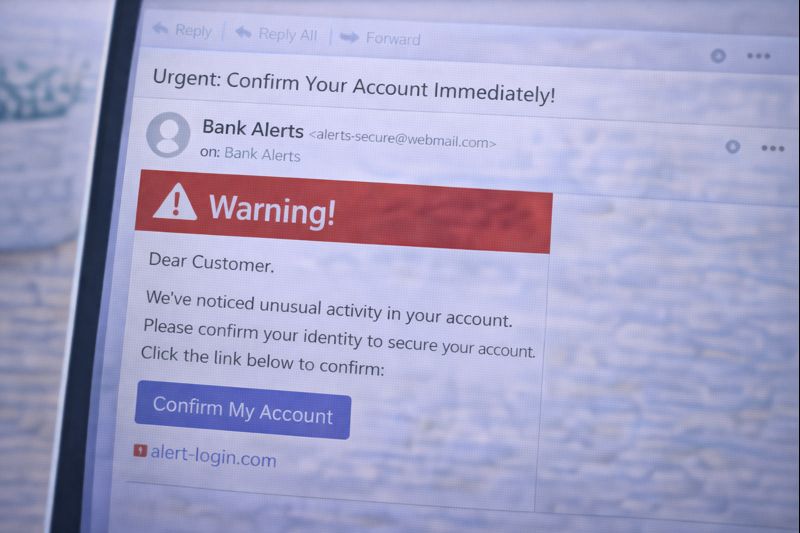
Receiving a strange message or email can feel worrying — especially if it looks urgent or official.
This guide explains how to spot suspicious messages or emails calmly and clearly, without technical language or scare tactics.
You do not need experience to follow this guide.
Why Suspicious Messages Exist
Some messages are sent to trick people into:
- Clicking a link
- Sharing personal information
- Downloading something unsafe
- Sending money
These messages are often called scams, but you don’t need to remember that word.
You just need to know what looks wrong.
Common Signs a Message May Be Suspicious
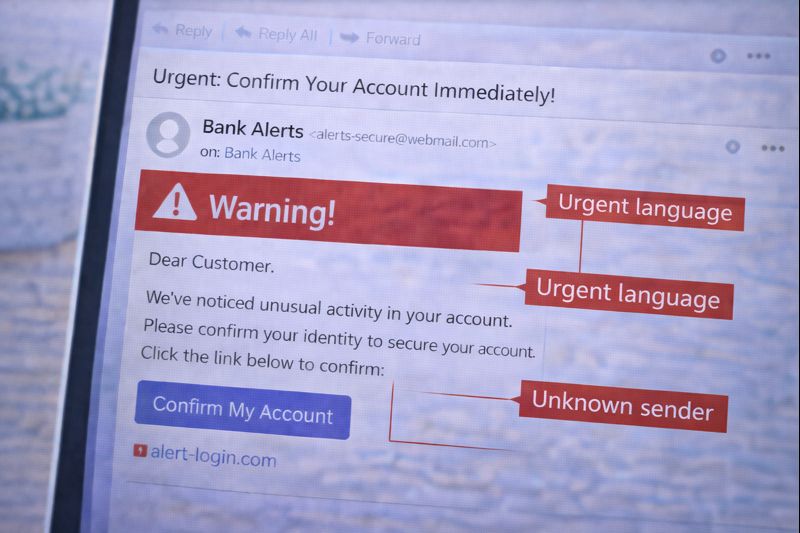
A message may be suspicious if it:
- Sounds urgent or threatening
(“Act now”, “Your account will be closed”, “Immediate action required”) - Contains spelling or grammar mistakes
- Comes from a strange or unfamiliar sender name
- Asks you to click a link quickly
- Asks for personal details such as passwords, bank details, or codes
One sign alone does not always mean danger — but several together is a warning.
Messages That Pretend to Be Official
Suspicious messages often pretend to come from:
- Banks
- Delivery companies
- Government services
- Online shops
- Email providers
They may use logos or official-sounding words.
Remember:
👉 Real companies do not ask for passwords or codes by message or email.
Links and Buttons: Be Careful
If a message asks you to click a link:
- Do not click if you feel unsure
- Links can look real but lead somewhere unsafe
If you want to check something:
- Open a new browser window
- Go to the company’s website yourself
- Or contact them using a phone number you already trust
Attachments Can Be Risky
“If you’re unsure how email attachments normally work, see our guide on what email is and how it works.”
Be cautious if a message includes an attachment, especially if:
- You were not expecting it
- It says things like “invoice”, “receipt”, or “document”
- It pressures you to open it quickly
If unsure — do not open it.
What to Do If You’re Unsure
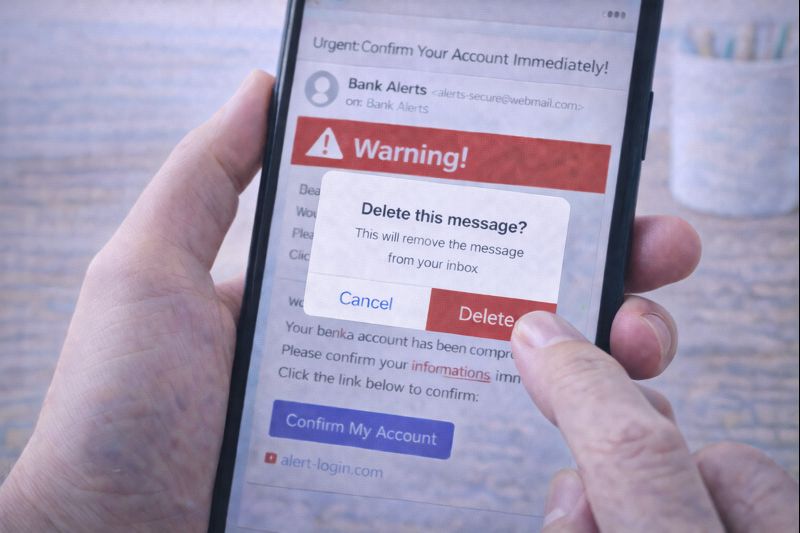
If a message feels confusing or uncomfortable:
- Do not reply
- Do not click anything
- Close or delete the message
You can also:
- Ask a trusted friend or family member
- Leave it and come back later
Doing nothing is often the safest choice.
A Simple Rule to Remember
Ask yourself:
“Is this message trying to rush me or scare me?”
If the answer is yes — pause.
You are allowed to take your time.
Reassurance for Beginners
- You will not get into trouble for ignoring a message
- You will not miss anything important by waiting
- Deleting a suspicious message is safe
Most people receive messages like this at some point.
Being cautious is not being “bad with technology” — it’s being sensible.
What to Learn Next
Return to main Online Safety page
The next helpful guide in Online Safety is:
You may also want to read how to protect personal information online for everyday safety tips.
This explains how to keep your details safe in everyday situations.