Skip to content
📱 Smartphones
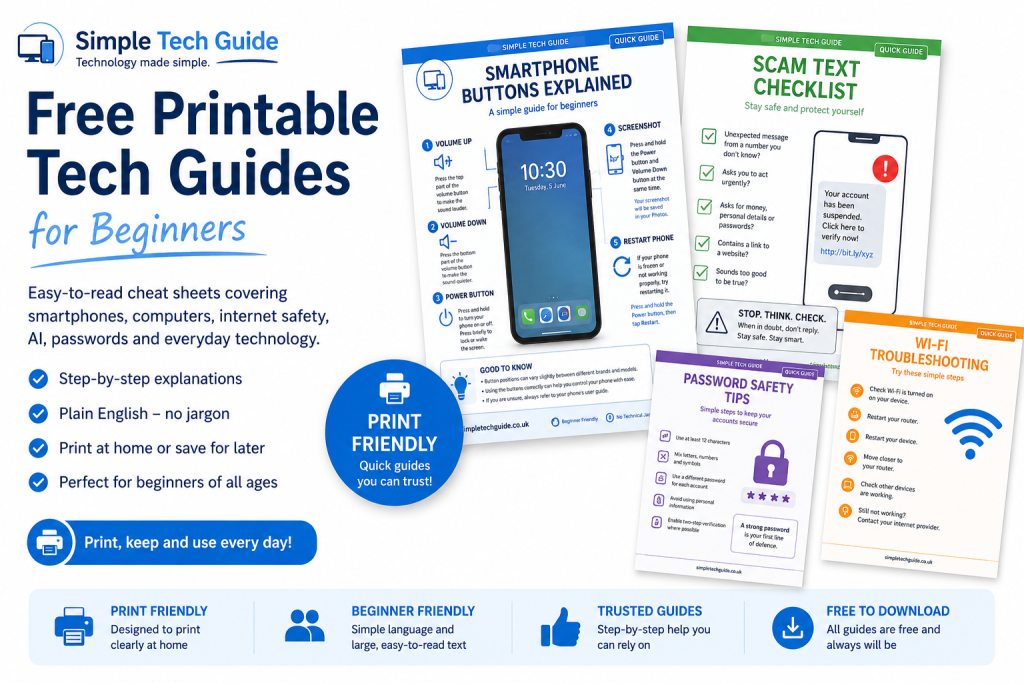
- Smartphone Buttons Explained
- How to Take a Screenshot
- Volume Buttons Explained
- Charging Your Phone
- Wi-Fi Symbols Explained
- Common Phone Icons Explained
💻 Computers
- Computer Storage Explained
- Keyboard Shortcuts
- Mouse Buttons Explained
- USB Ports Explained
- File & Folder Basics
- Desktop Icons Explained
🌐 Internet
- Browser Buttons Explained
- Safe Website Checklist
- Email Buttons Explained
- Wi-Fi Troubleshooting
- Internet Symbols Explained
🔒 Online Safety
- Scam Text Checklist
- Scam Email Checklist
- Password Safety
- AI Safety Checklist
- Online Shopping Safety
- Phishing Warning Signs
🤖 AI Basics
- Can AI Be Wrong?
- Safe AI Checklist
- What Never To Tell AI
- AI Terms Explained
- AI Beginner Tips
